

Microsoft is clearly shifting its strategy with Windows 11 in 2026, focusing less on flashy redesigns and more on real-world usability. Instead of guessing what users want, recent updates show a consistent pattern: feedback is being heard, and more importantly, applied. The result is an operating system that feels more practical, responsive, and user-focused.
1. Smarter Start Menu and Taskbar
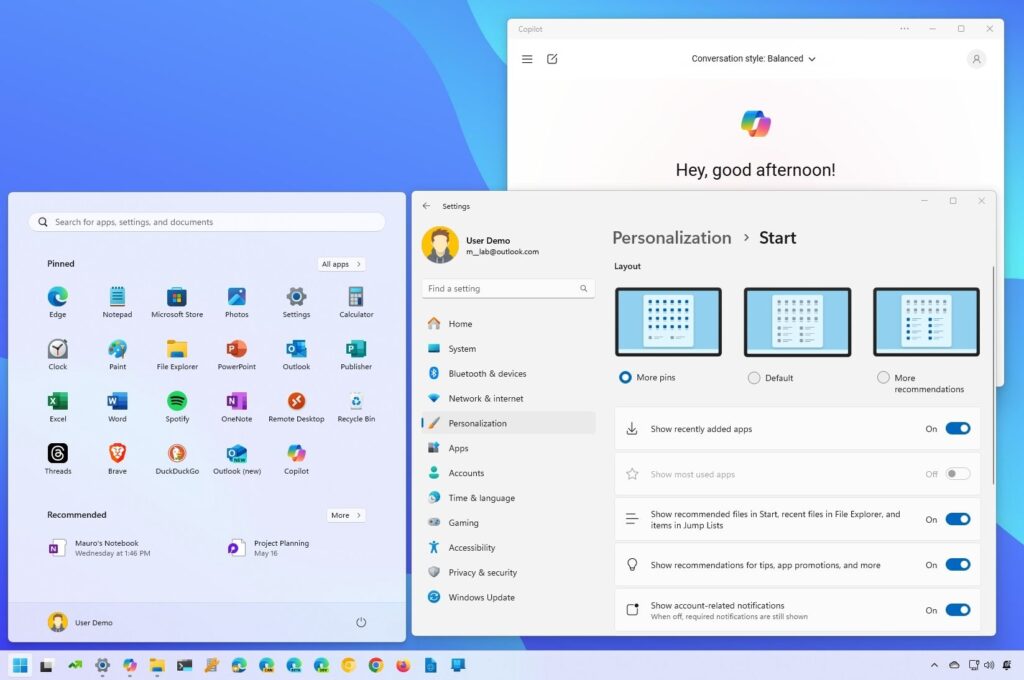
The Start menu and taskbar have been a major topic of criticism since Windows 11 launched. Microsoft has responded with refinements that make everyday use more efficient and less frustrating.
- Cleaner layout with reduced clutter
- Better app organization and recommendations
- Improved responsiveness and faster interactions
- More user control over pinned and suggested items
These updates may seem small, but they significantly improve daily workflow.
2. Improved Performance and Stability
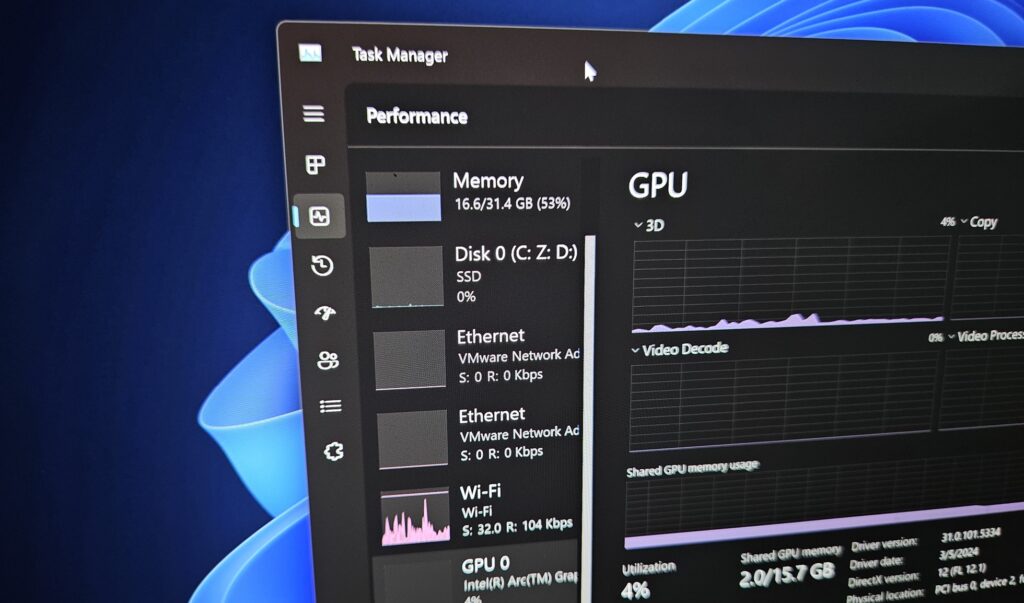
Performance has been a key concern, especially for users on mid-range hardware. Microsoft has focused on making the system feel faster and more stable across the board.
- Faster boot and wake times
- Smoother multitasking performance
- Better memory and resource management
- Reduced background system load
This makes Windows 11 feel more reliable, not just on high-end PCs but on typical everyday machines.
3. File Explorer Finally Gets Attention
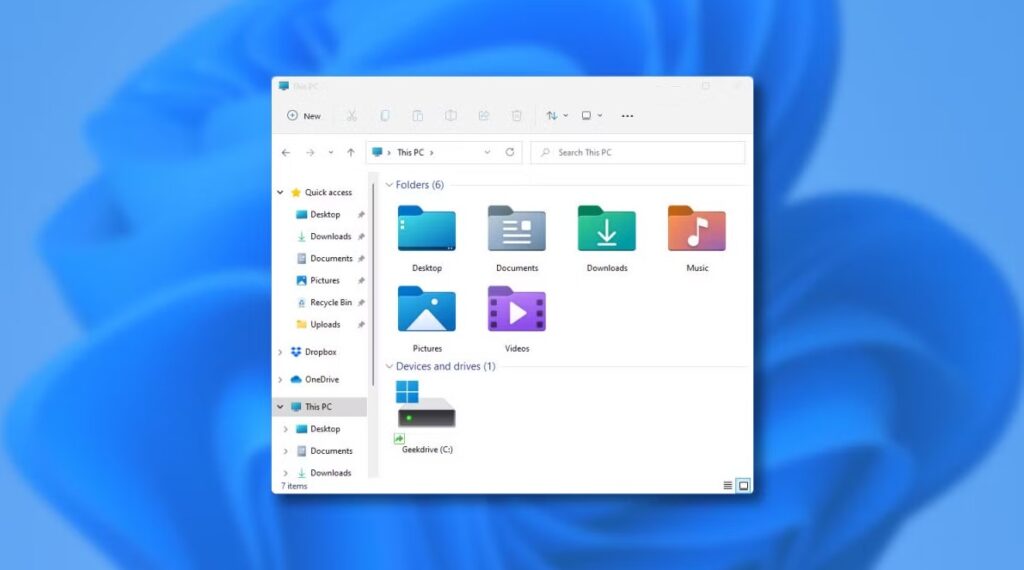
File Explorer has long needed improvement, and Microsoft is finally addressing user complaints with meaningful updates.
- Faster loading and navigation
- Improved tab functionality
- Cleaner and more modern interface
- Fewer bugs and crashes
It is not a complete redesign, but it is now more dependable and easier to use.
4. More Customization and Accessibility
Users have consistently asked for more control over how Windows looks and works. Microsoft is responding with better customization and accessibility options.
- Enhanced voice typing and input tools
- More flexible display and personalization settings
- Improved accessibility features for different user needs
- Greater control over system behavior
These changes make Windows 11 more adaptable for both casual users and professionals.







