Windows 11 isn’t just a visual upgrade from Windows 10. It’s packed with subtle features that can seriously boost your productivity, security, and overall user experience. While many people focus on the obvious changes like the centered Start Menu or rounded corners, there are hidden gems tucked away in the OS that make daily computing smoother. Here are some cool hidden Windows 11 features you might not know, but won’t want to live without.
1. Snap Layouts for Effortless Multitasking
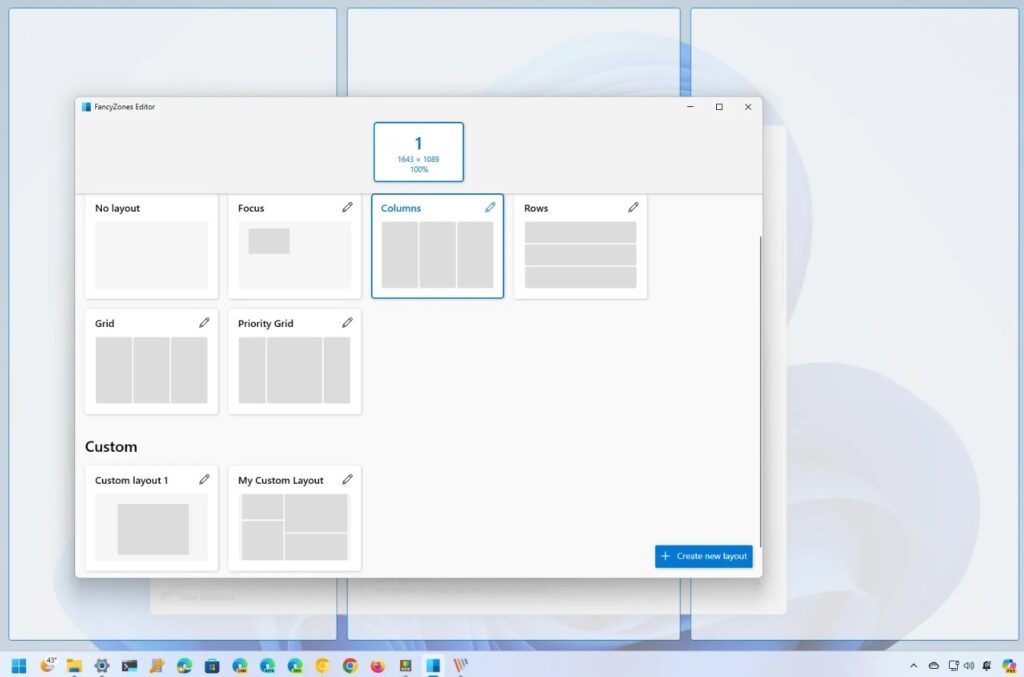
Windows 11 makes organizing your windows easier than ever. Hover over the maximize button to reveal Snap Layouts, a small overlay offering multiple ways to split your screen. You can snap apps into neat grids, helping you work smarter, not harder.
2. Virtual Desktops for Organization
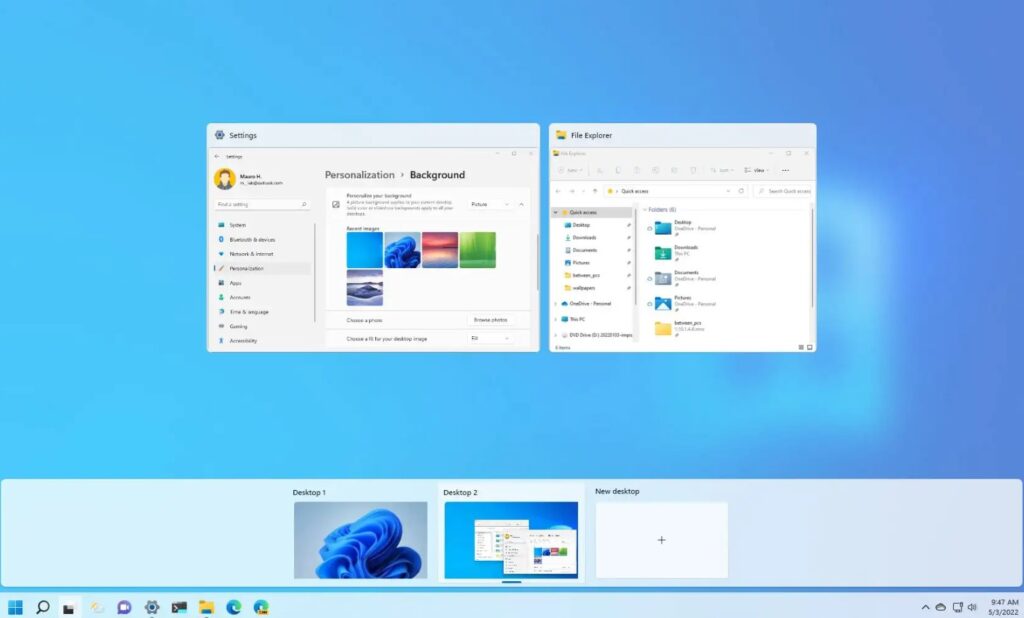
Do you juggle work, school, or personal projects? Windows 11 lets you create separate virtual desktops for different tasks. Customize each with wallpapers and open apps specific to that project, keeping your workflow organized and distraction-free.
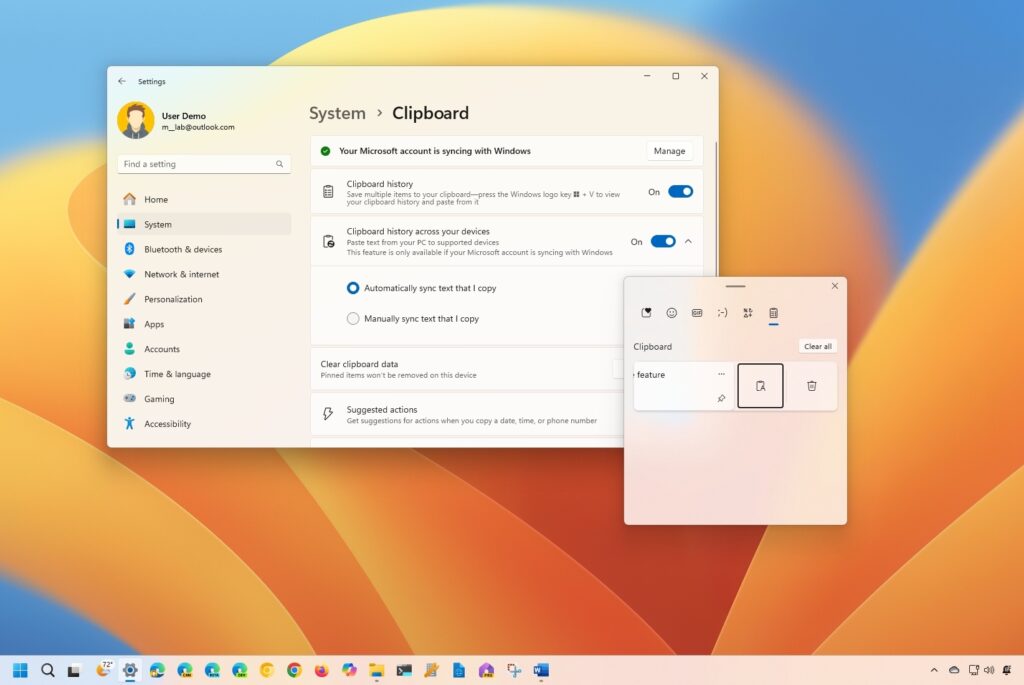
3. Clipboard History and Cloud Sync
Copying and pasting just got a major upgrade. Press Win + V to see your clipboard history. You can pin important items and even sync your clipboard across devices via your Microsoft account, perfect for switching between PC and laptop without losing data.
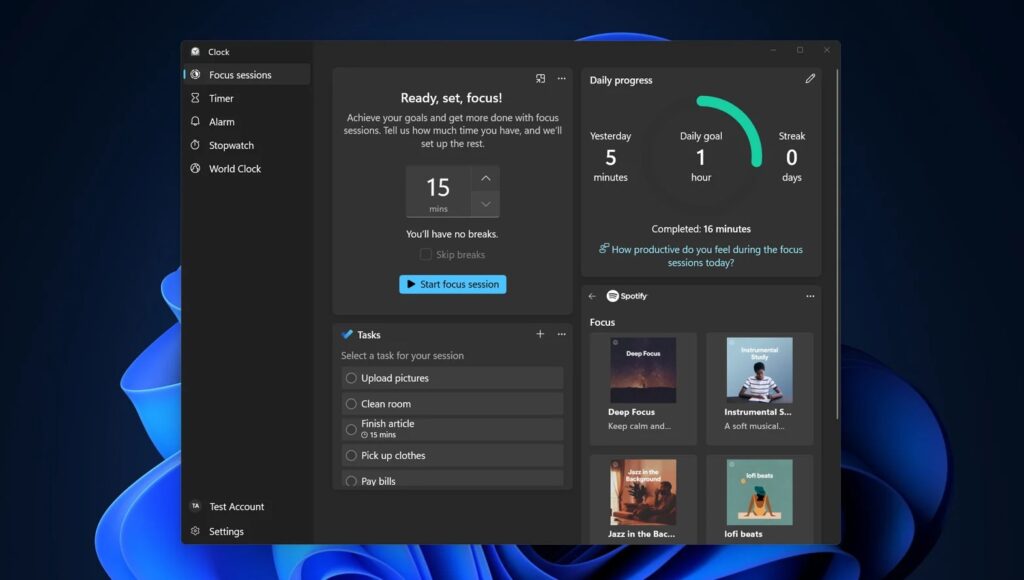
4. Focus Sessions in Clock App
Windows 11 includes a hidden productivity booster called Focus Sessions. Set a timer, connect your Spotify, and get notifications silenced while you work. It’s a gamified way to improve concentration and track your work patterns.
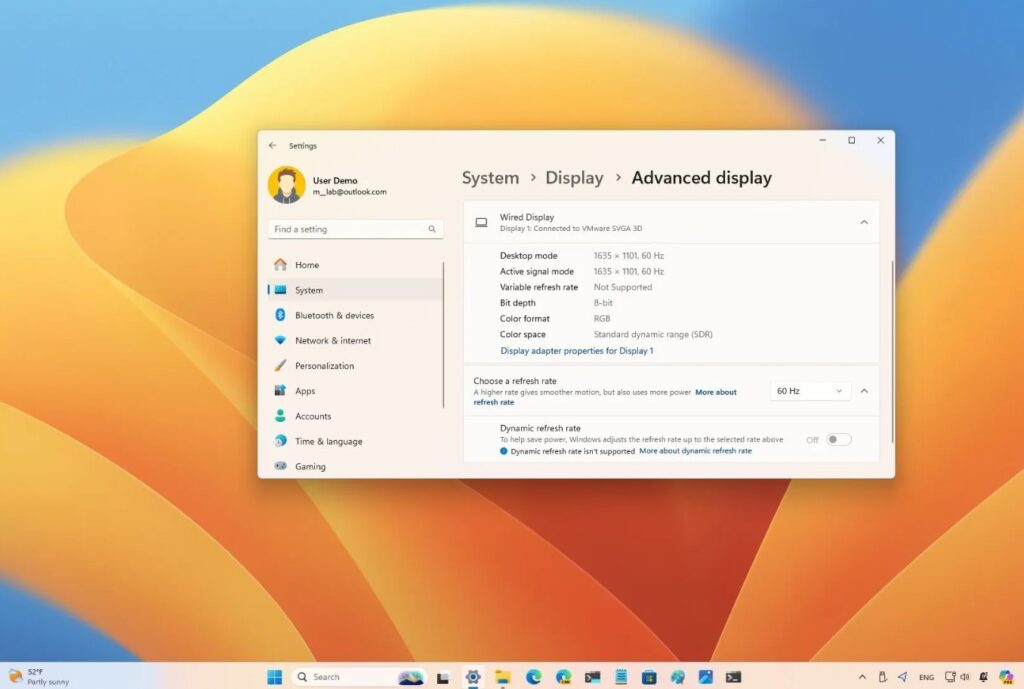
5. Dynamic Refresh Rate for Smoother Display
If you have a high-refresh-rate monitor, Windows 11 can automatically adjust your screen’s refresh rate to save battery when not gaming or watching videos. This subtle feature improves performance while extending battery life on laptops.
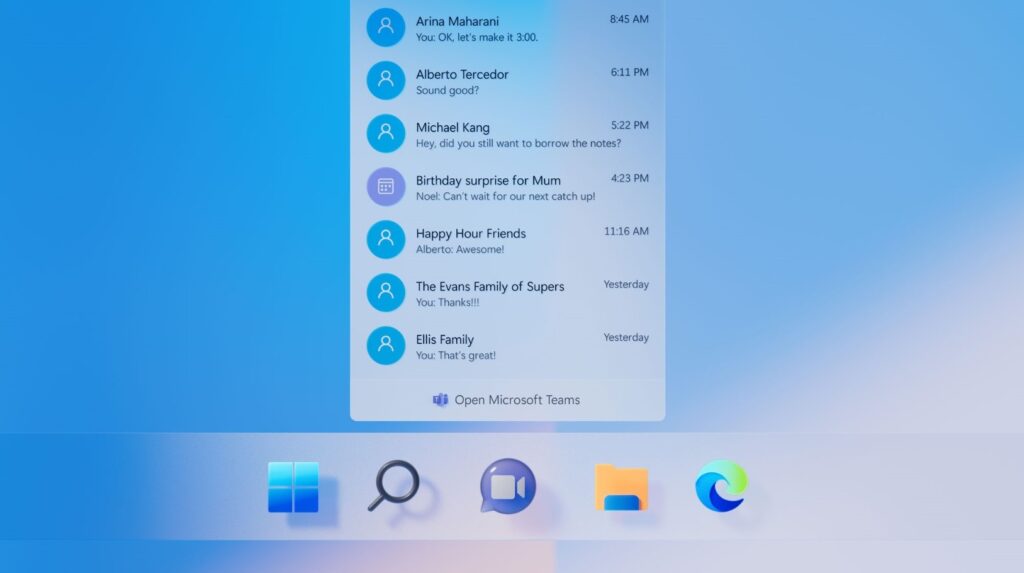
6. Direct Integration with Microsoft Teams
Windows 11 integrates Teams directly into the taskbar, making quick calls, chats, or meetings easier than ever. Whether for work or staying in touch with friends, Teams is just a click away without opening a separate app.
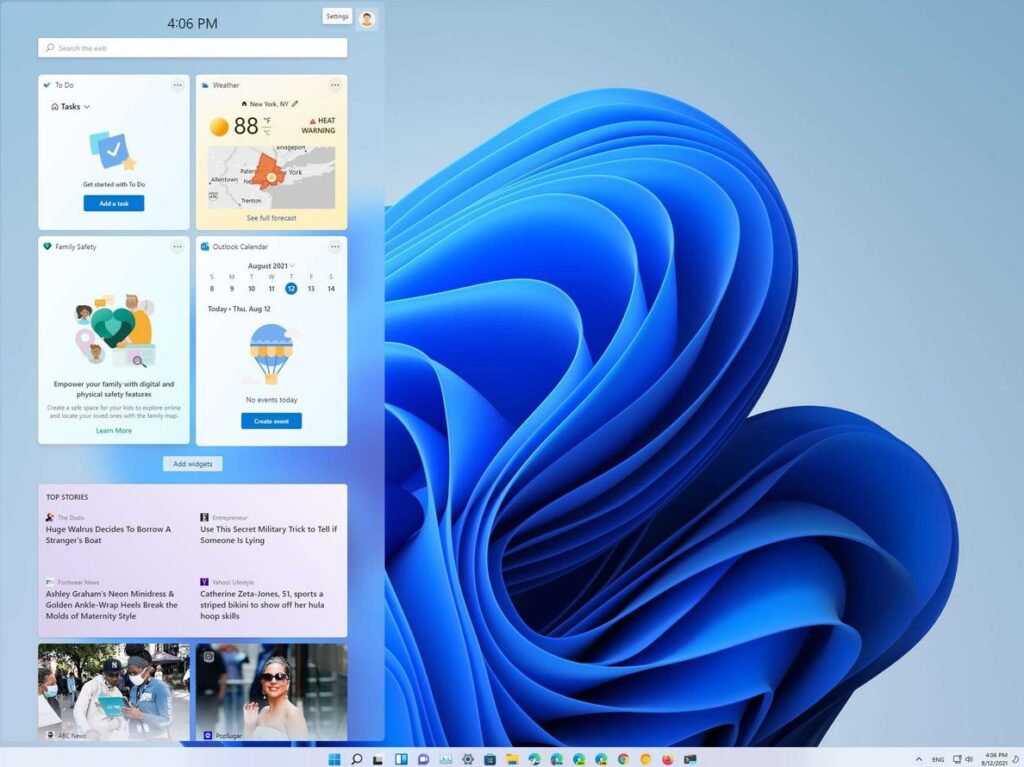
7. Widgets for Quick Information
Widgets are back but better. Access news, weather, calendar, and personalized content from the left sidebar. You can customize what appears and get all your essential info at a glance, without opening multiple apps or websites.
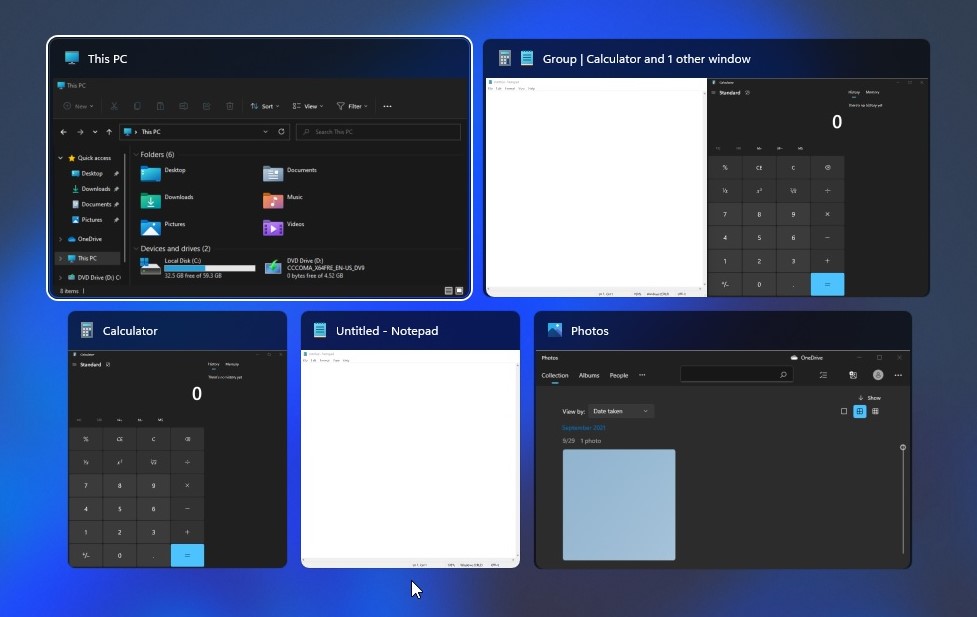
8. Snap Groups Remember Your Layouts
If you often multitask with the same apps, Snap Groups are a lifesaver. Grouped apps stay together on your screen, and when you hover over them in the taskbar, you can restore the whole layout instantly. No need to rearrange everything manually.
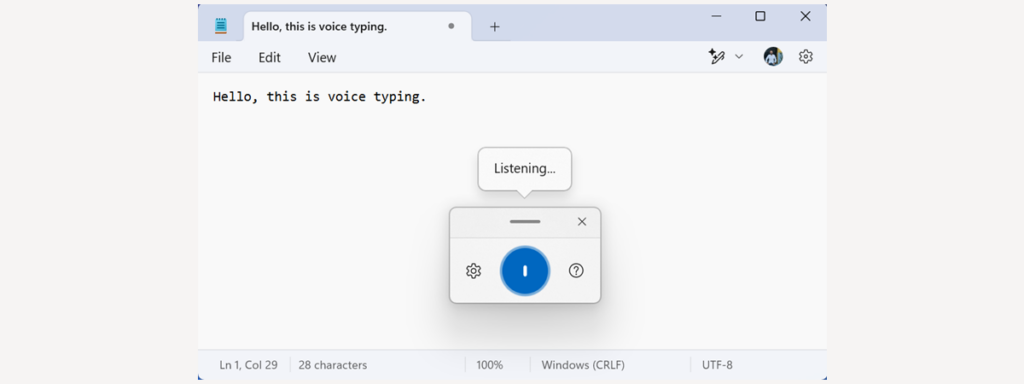
9. Voice Typing for Hands-Free Productivity
Windows 11 has a built-in voice typing tool. Press Win + H in any text field and start dictating. The system is surprisingly accurate, supports punctuation commands, and is perfect for emails, reports, or social media posts.
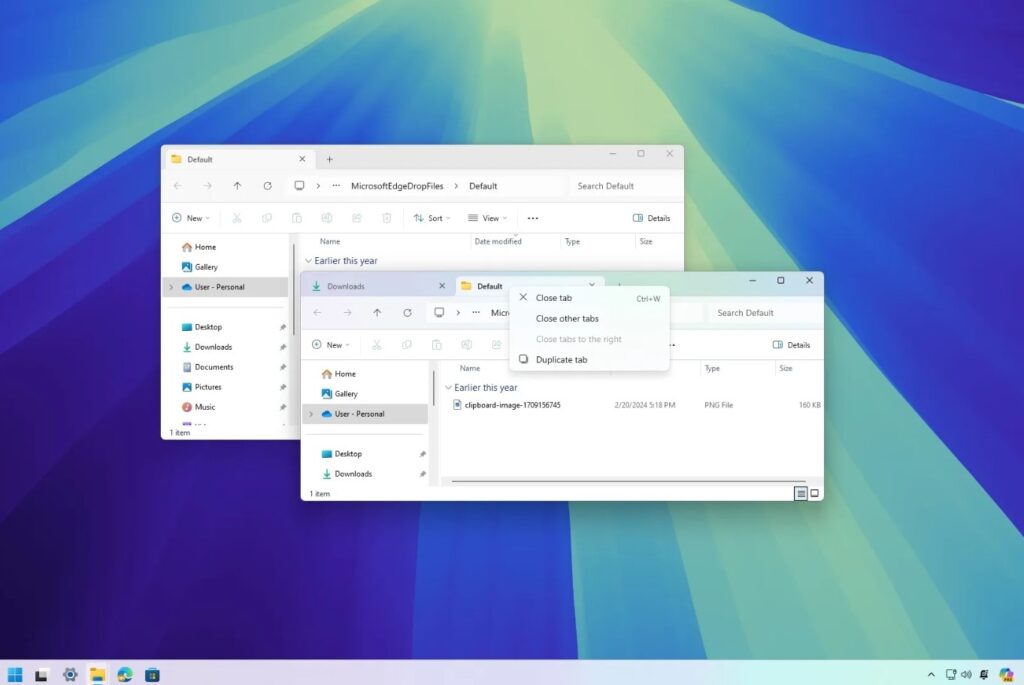
10. File Explorer Tabs
Finally, a tabbed File Explorer. You can open multiple folders in the same window, switch between them like browser tabs, and drag files across tabs seamlessly. It’s a huge time-saver for power users.
11. Security Features You Might Miss
Windows 11 is designed with security in mind. Features like hardware-based isolation, TPM 2.0, and secure boot aren’t flashy, but they protect your data without slowing you down. Make sure they’re enabled for peace of mind.