

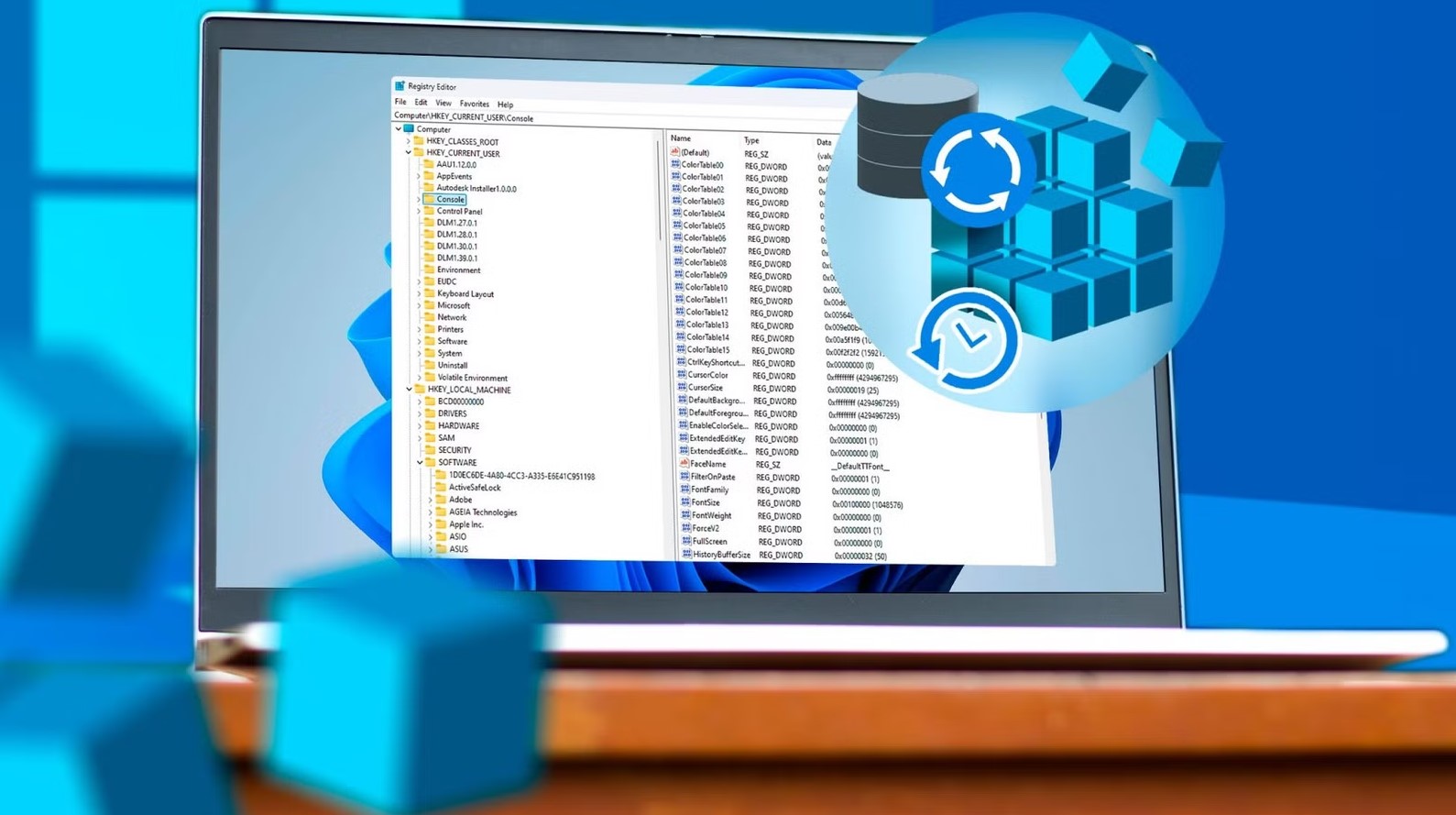
The Windows Registry is the backbone of your operating system. It stores critical information about software, hardware, and system settings. While it can be tempting to tweak the registry to speed up your PC, unlock hidden features, or “improve performance,” many registry edits that seem harmless can cause serious problems. In some cases, they can corrupt files, break essential programs, or even make your PC unbootable.
Here are 5 registry tweaks that look safe but can destroy your PC:
1. Disabling System Restore
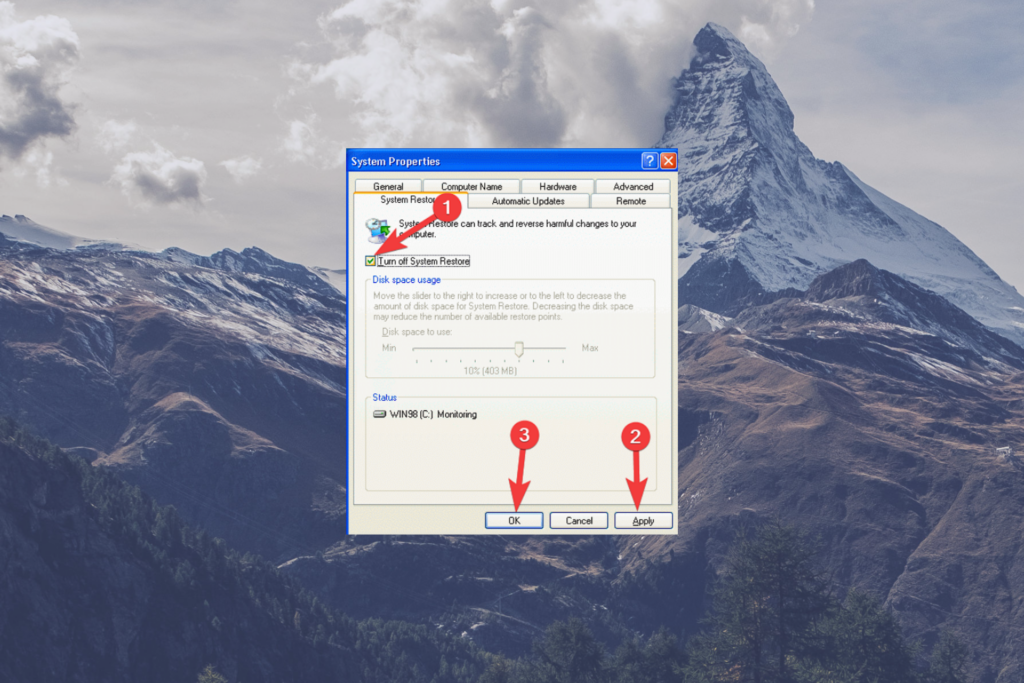
Some guides suggest disabling System Restore to free up disk space or speed up your PC. On the surface, this seems like a harmless tweak, but it removes the safety net that allows your system to recover from crashes, malware infections, or faulty updates. Without System Restore, a single mistake in software installation or driver update could leave your files permanently corrupted or your system unstable.
Tip: Instead of disabling System Restore, consider reducing the amount of space it uses, or create manual restore points before making major changes.
2. Tweaking Hidden User Account Settings
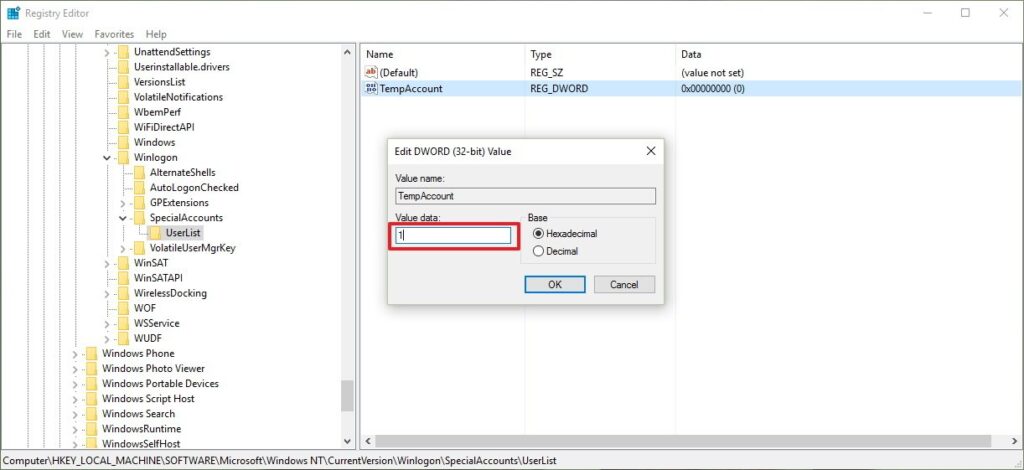
Windows has hidden administrator accounts and user privilege settings that can be accessed through the registry. Some tweaks suggest enabling these accounts to gain extra control over the system. However, incorrectly changing these settings can break permissions, lock you out of your own PC, or create security vulnerabilities that malware can exploit.
Example: Editing the EnableLUA key incorrectly may disable User Account Control entirely, making your PC extremely vulnerable.
3. Changing File Type Associations
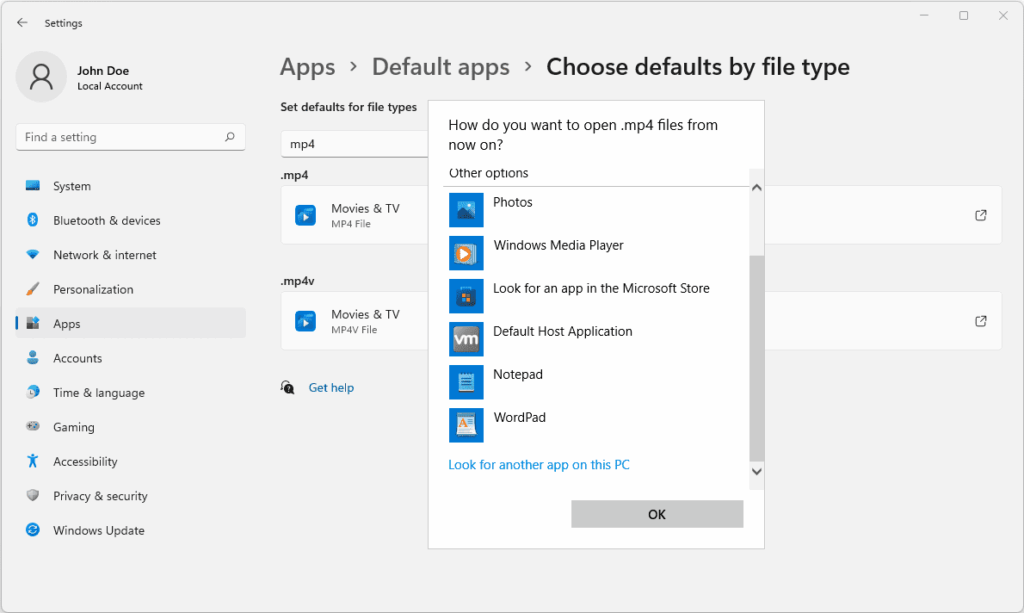
Some tutorials claim that editing registry keys to change default programs can make your system faster or improve workflow. However, improperly modifying file type associations can make Windows unable to open essential files like .exe, .docx, or .pdf. This can lead to data corruption or make key programs unusable.
Safer alternative: Use the official “Default apps” settings in Windows Settings instead of registry edits.
4. Disabling Critical Services
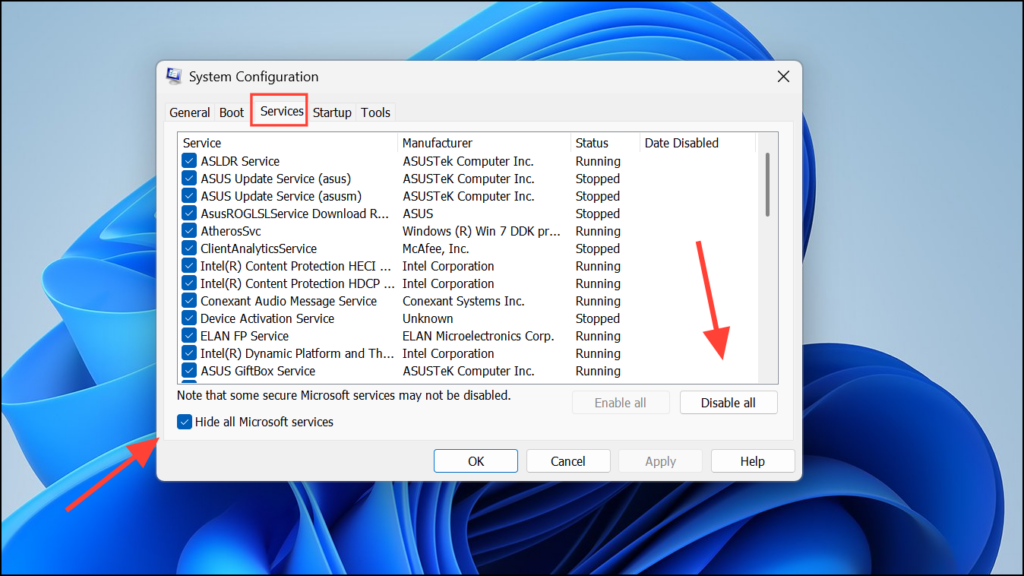
Tweaks that suggest disabling services like Windows Update, Windows Defender, or Task Scheduler may appear harmless to speed up your system. In reality, these services are crucial for system stability and security. Disabling them can prevent important updates, allow malware to run unchecked, and even corrupt system files over time.
Pro tip: If your goal is to reduce CPU usage or speed up your PC, use Task Manager or optimization tools rather than registry edits.
5. Overclocking via Registry Edits
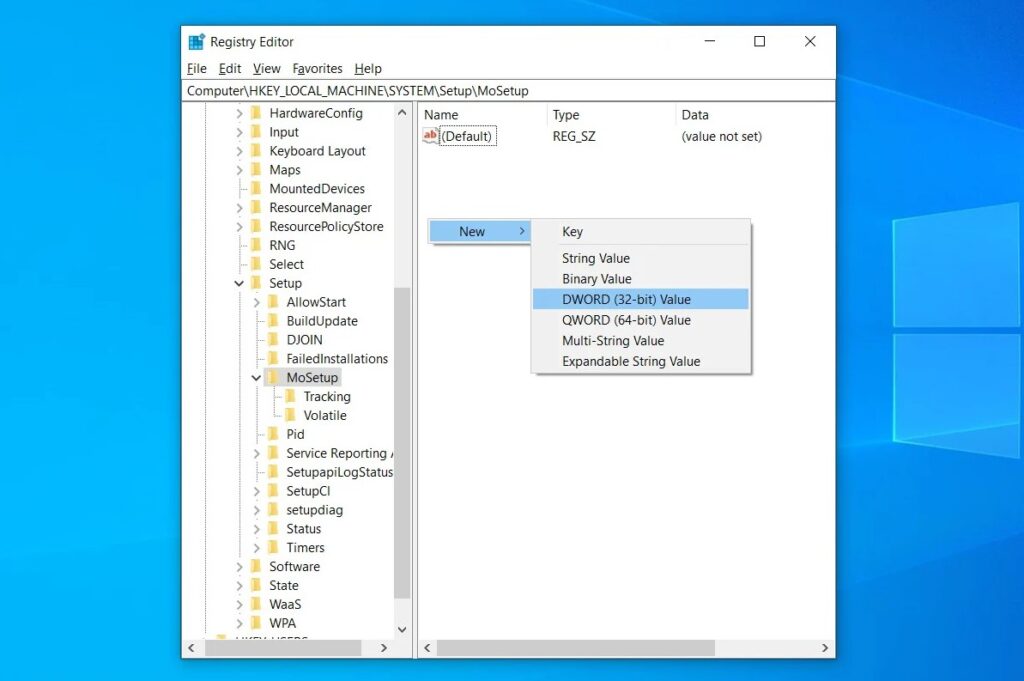
Some advanced users attempt to overclock their CPU or GPU by changing registry keys. Unlike software overclocking tools that include safety limits, registry-based overclocking can instantly destabilize your system. Files can become corrupted, programs can crash, and hardware may even sustain permanent damage.
Better approach: Use official overclocking software like Intel Extreme Tuning Utility (XTU) or AMD Ryzen Master, which include safeguards to prevent system damage.







