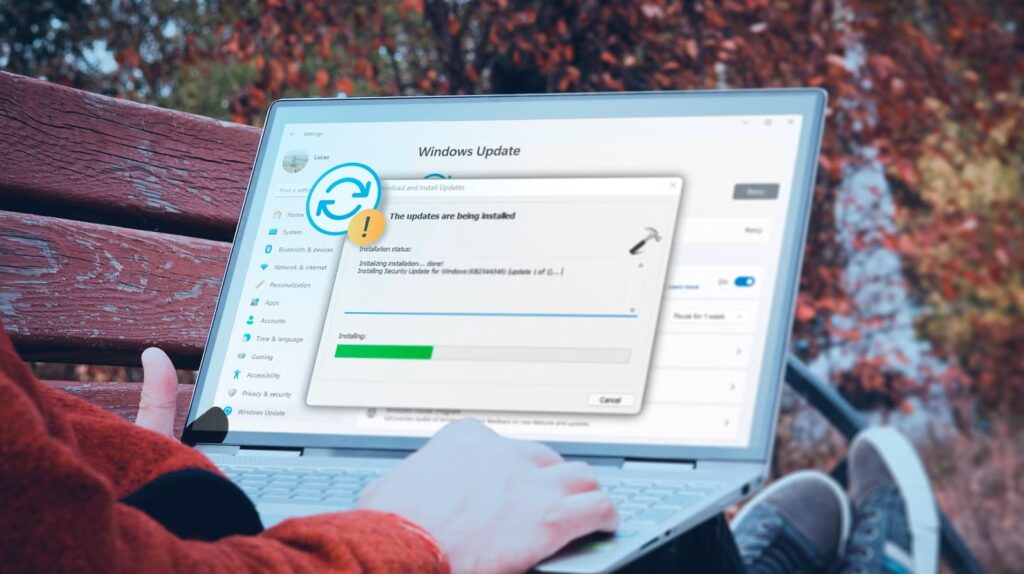

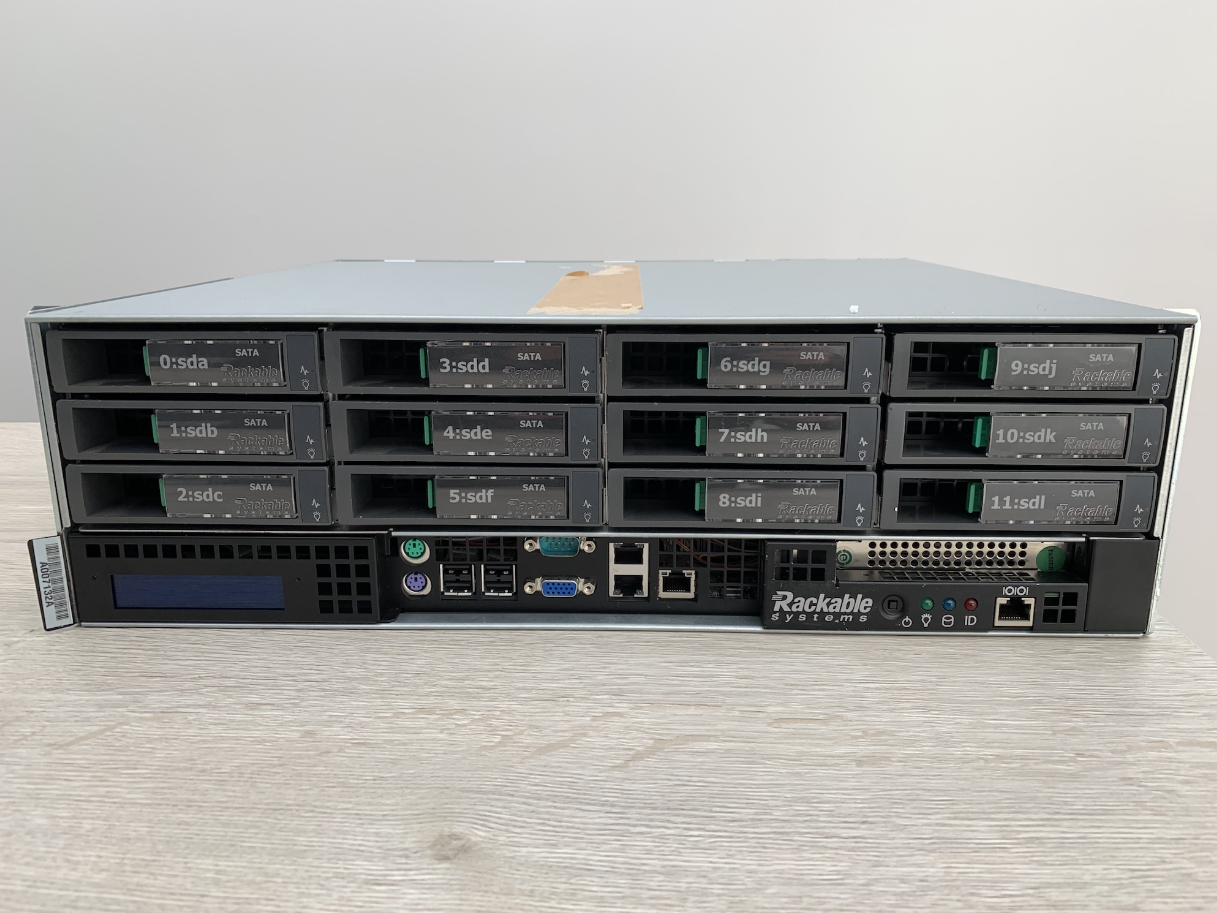
Many older computers eventually stop working due to failing hardware, outdated operating systems, or damaged storage drives. While modern recovery software can solve many problems, it doesn’t always succeed—especially when a system refuses to boot. Surprisingly, an old Network Attached Storage (NAS) device can sometimes provide an effective way to recover valuable files when other methods fall short.
Whether you’re trying to rescue family photos, business documents, or years of archived data, repurposing an unused NAS can give aging hardware a second life while making the recovery process much easier.
What Is a NAS?
A Network Attached Storage (NAS) device is a dedicated storage system connected to your home or office network. Instead of plugging a hard drive directly into a computer, files are stored on the NAS and accessed over the network by multiple devices.
Many older NAS units may no longer receive software updates, but they can still function perfectly as local storage or temporary recovery systems.
Why Older Computers Can Be Difficult to Recover
As computers age, several problems become more common.
Typical issues include:
- Failed operating systems
- Corrupted boot files
- Hard drive errors
- Outdated hardware
- Driver incompatibilities
- Unsupported software
- Damaged Windows installations
Even if Windows no longer starts, the files stored on the drive may still be intact.
How an Old NAS Can Help
Instead of relying on the original computer, you can remove its storage drive and access the files through another system. A NAS provides centralized storage where recovered data can be copied, organized, and backed up safely.
Using a NAS during recovery offers several benefits:
- Keeps recovered files in one location
- Makes large transfers easier
- Allows access from multiple computers
- Reduces the need for external USB drives
- Provides additional backup space
For users working with large photo libraries or video collections, this approach can save considerable time.
Create a Temporary Backup Location
One of the biggest advantages of using an older NAS is having a dedicated place to store recovered files.
Instead of copying everything to another computer with limited free space, you can transfer recovered documents directly to the NAS. Once the recovery is complete, the files remain available across your local network.
This also reduces the risk of accidentally overwriting important data during the recovery process.
Give Old Hardware a Second Life
Older NAS devices may not support the latest applications, but many are still reliable for basic file storage.
Rather than leaving unused hardware in a drawer, consider repurposing it for tasks such as:
- File backups
- Media storage
- Document archives
- Temporary recovery storage
- Shared family folders
- Local network backups
Even older hardware can continue serving useful purposes for years.
Protect Recovered Files
After recovering important data, create additional backups immediately.
The recovered files may represent your only remaining copy, so storing them in multiple locations helps prevent permanent data loss.
Many users combine local NAS storage with an external drive or cloud backup for added protection.
When Recovery Software Isn’t Enough
Software tools work well when a drive is healthy but the file system has minor problems.
However, if the original computer refuses to start or hardware failures make recovery more complicated, separating the storage drive from the old PC and using another system with a NAS can provide more flexibility.
In many situations, accessing files outside the original computer is easier than trying to repair the entire operating system.
Tips for Successful Data Recovery
To improve your chances of recovering important files:
- Stop using the failing computer as soon as possible.
- Back up recovered files immediately.
- Avoid installing software on a failing drive.
- Keep multiple copies of important documents.
- Test backups regularly.
- Replace aging storage drives before they fail completely.
Good backup habits remain the best protection against unexpected hardware failures.