
For years, Linux Mint has been one of the first recommendations for people looking to replace Windows. Its familiar desktop layout, straightforward installation process, and beginner-friendly design have made it a favorite among users making their first move to Linux.
However, the Linux desktop landscape has changed significantly. Several distributions now offer polished interfaces, better hardware support, and features designed specifically for former Windows users. As a result, Linux Mint is no longer the only obvious choice.
So, is Linux Mint still the best Windows replacement, or are there better options available today?
Why Linux Mint Became So Popular
Linux Mint earned its reputation by making Linux approachable.
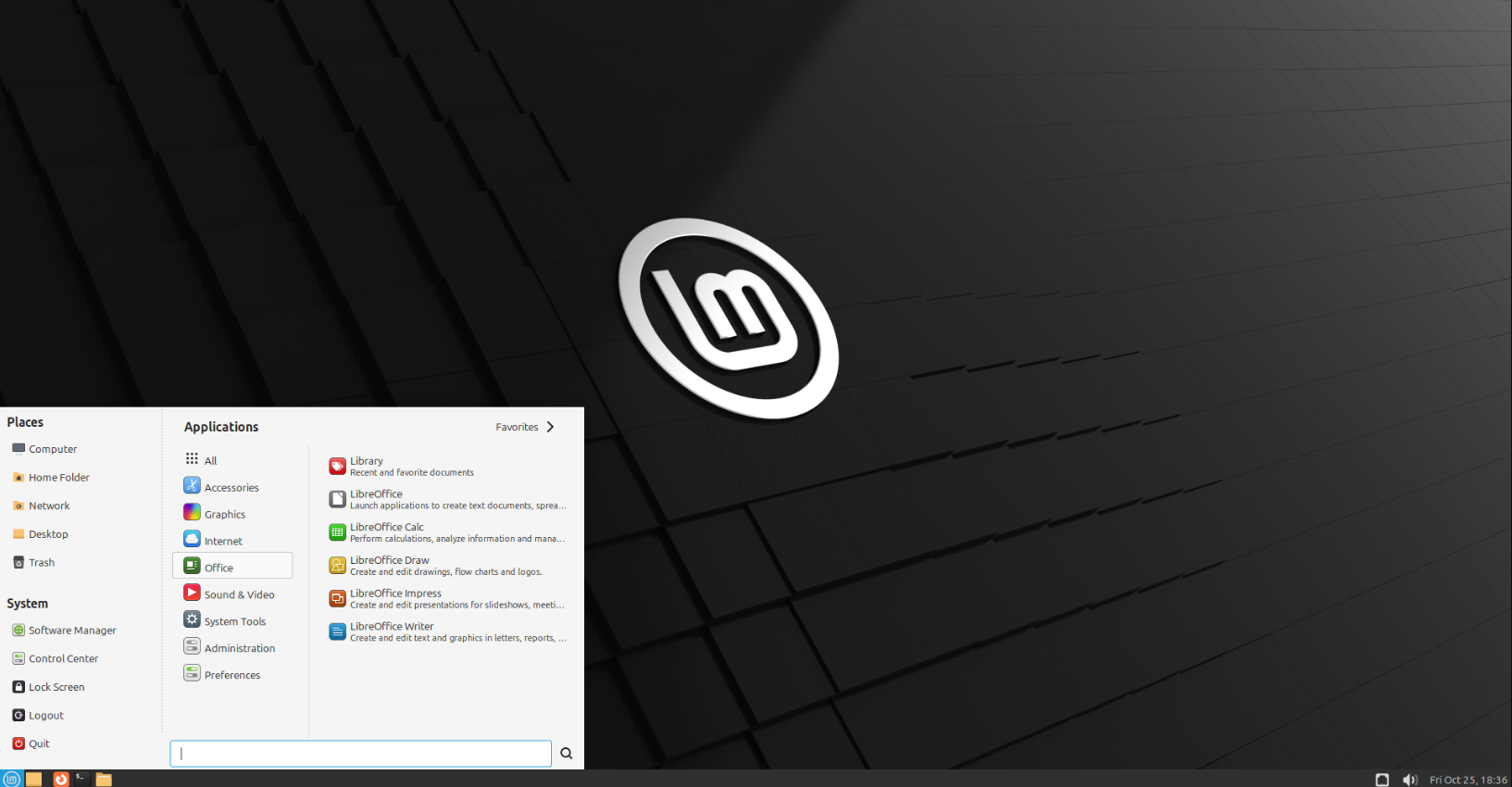
Unlike many traditional Linux distributions, Mint provides a desktop that feels familiar to Windows users. The Cinnamon desktop environment features a taskbar, application menu, system tray, and file manager that require very little adjustment.
Other reasons for its popularity include:
- Easy installation process
- Stable long-term support releases
- Large software repository
- Excellent community documentation
- Regular security updates
- Minimal system requirements
These advantages continue to make Linux Mint attractive for beginners.
The Competition Has Improved
Several Linux distributions have evolved dramatically over the past few years.
Operating systems such as Zorin OS, Fedora Workstation, Ubuntu, Kubuntu, and Pop!_OS now offer refined desktop experiences that compete directly with Linux Mint.
Some distributions focus on simplicity, while others prioritize performance, gaming, productivity, or modern interface design.
Instead of one clear winner, users now have several excellent choices depending on their needs.
User Experience Matters
One of the biggest reasons people leave Windows is to simplify their computing experience.
Linux Mint continues to deliver a clean desktop without unnecessary advertisements or pre-installed promotional software. Navigation is intuitive, and everyday tasks such as browsing the web, editing documents, or watching videos work exactly as most users expect.
However, some competing distributions have introduced newer interface designs, better touchpad support, and additional usability improvements that appeal to modern laptop users.
Hardware Compatibility Is Better Than Ever
Linux hardware support has improved considerably.
Most modern distributions detect Wi-Fi adapters, Bluetooth devices, graphics cards, and printers automatically during installation.
Even so, compatibility still depends on the specific hardware inside your computer.
Checking compatibility before installing any Linux distribution remains a good idea, especially if your system contains newer graphics hardware or specialized peripherals.
Gaming Is No Longer a Major Limitation
Gaming was once one of Linux’s biggest weaknesses.
Today, Steam, Proton, and continuous improvements in graphics drivers have made thousands of Windows games playable on Linux.
Although some competitive multiplayer games still rely on anti-cheat systems that may limit compatibility, many popular single-player and multiplayer titles now run surprisingly well.
For casual gamers, Linux has become a far more practical option than it was only a few years ago.
Software Availability
Many everyday applications are available on Linux, including:
- Firefox
- Chrome
- LibreOffice
- VLC Media Player
- GIMP
- Visual Studio Code
- Discord
- Steam
Some professional software, particularly certain Adobe products and Windows-only business applications, still requires Windows or alternative solutions.
Before switching, verify that your essential programs are available or that suitable replacements exist.
Which Linux Distribution Should You Choose?
The answer depends on your priorities.
Linux Mint is ideal if you want:
- A familiar desktop.
- Long-term stability.
- Simple administration.
- Excellent beginner documentation.
Other distributions may be better if you want:
- Modern interface design.
- Gaming optimizations.
- Cutting-edge software packages.
- Specialized developer tools.
- Enhanced laptop features.
Fortunately, most Linux distributions can be tested from a USB drive before installation, allowing you to explore the system without modifying your current Windows installation.
Don’t Choose Based on Popularity Alone
Many people search for “the best Linux distribution,” but there is rarely a universal answer.
The best choice depends on your hardware, experience level, software requirements, and personal preferences.
A distribution that works perfectly for one user may not be the best fit for another.
Trying several options is often the best way to discover which desktop environment feels most comfortable.