Choosing the best way to buy Microsoft Office in 2026 can save you money, prevent activation problems, and ensure you get a genuine license that works long-term.
With subscriptions, lifetime licenses, and countless online offers, it’s important to understand what you’re actually buying. This guide explains every option clearly and helps you choose the right Microsoft Office license for your needs.
Why Buying Microsoft Office the Right Way Is Important
Not all Microsoft Office licenses are the same. The option you choose affects:
- 💰 Total cost over time
- 🔐 License validity and activation
- 💻 Number of supported devices
- 🔄 Updates and new features
- ☁ Cloud access and storage
Understanding these differences helps you avoid fake keys and unnecessary expenses.
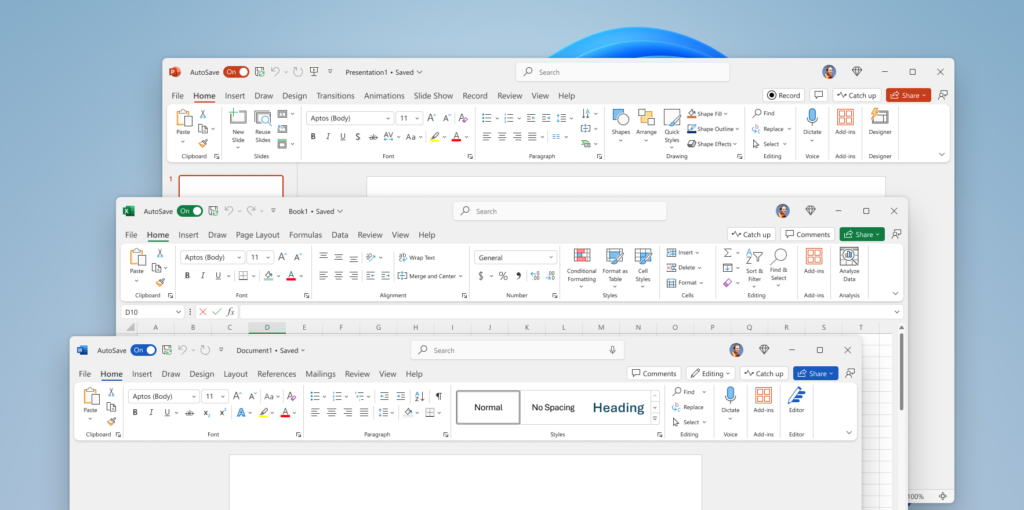
Option 1: Lifetime Microsoft Office (One-Time Purchase)
A lifetime license lets you pay once and use Office forever on one device.
Popular Versions
- Office Professional Plus
- Office Home & Student
- Office Home & Business
Pros
- One-time payment
- No subscriptions
- Works offline
- Lower long-term cost
Cons
- No major feature upgrades
- Usually limited to one PC or Mac
Best for: Home users, freelancers, and anyone who wants a permanent Office license.
Option 2: Buying Individual Microsoft Office Apps
Microsoft also allows you to buy Word, Excel, or PowerPoint separately.
This option is useful only if you need one specific app, but for most users, the full suite offers better value.
What Apps Are Included in Microsoft Office 2021?
Microsoft Office 2021 is a one-time purchase (lifetime license) and the included apps depend on the edition you buy:
Office Home & Student 2021
Includes:
- Word
- Excel
- PowerPoint
- OneNote
Best for: students and basic home use.
Office Home & Business 2021
Includes:
- Word
- Excel
- PowerPoint
- OneNote
- Outlook
Best for: home offices and small businesses that need email/calendar.
Office Professional 2021
Includes:
- Word
- Excel
- PowerPoint
- OneNote
- Outlook
- Publisher (Windows only)
- Access (Windows only)
Best for: advanced users and office work that needs Access/Publisher.
Important note: Office 2021 is supported on Windows and macOS, but Access and Publisher are Windows-only.
How to Install Microsoft Office After Purchase
- Sign in to your Microsoft account
- Redeem your product key (if applicable)
- Download Office from the official site
- Install and activate
Once activated, your license is permanently linked to your account.