
Voice assistants have become a common part of modern homes, helping users play music, answer questions, control smart devices, and manage daily tasks. One of the most frequently asked questions about Amazon Alexa is how it knows when someone is talking to it without constantly recording every conversation.
The answer lies in wake word detection—a technology that allows Alexa-enabled devices to recognize specific trigger words before processing voice commands. In this guide, you’ll learn how Alexa detects wake words, what happens after the wake word is recognized, and how the system is designed to balance convenience with privacy.
What Is a Wake Word?
A wake word is a predefined phrase that activates a voice assistant.
For Amazon Alexa, the default wake word is “Alexa,” although users can choose alternatives such as “Amazon,” “Echo,” “Computer,” or “Ziggy.” Once the selected wake word is detected, the device begins processing the command that follows.
Without a wake word, Alexa generally remains in standby mode.
Is Alexa Always Listening?
This question often causes confusion.
Alexa-enabled devices continuously monitor incoming audio locally for the selected wake word, but they are designed not to send recordings to Amazon’s cloud until the wake word is detected (or another supported activation method is used). This continuous local detection is what allows the device to respond immediately when you say its name.
In other words, the microphones stay active so the device can recognize the wake word, but normal conversations are not intended to be uploaded simply because the microphones are on.
How Wake Word Detection Works
Alexa uses software that continuously compares incoming sound with the acoustic patterns of the configured wake word.
When the spoken audio matches those patterns closely enough, the device recognizes that it has been addressed. At that point, it begins capturing the command that follows and sends it for processing.
This process happens in fractions of a second, making Alexa appear almost instantly responsive.
What Happens After Alexa Hears the Wake Word?
Once activated, Alexa performs several steps:
- Captures the spoken request.
- Sends the audio securely for speech recognition and processing.
- Determines the user’s intent.
- Finds the requested information or action.
- Returns a spoken response.
Depending on the request, Alexa might answer a question, control a smart home device, play music, set reminders, or perform another supported task.
Why Multiple Microphones Matter
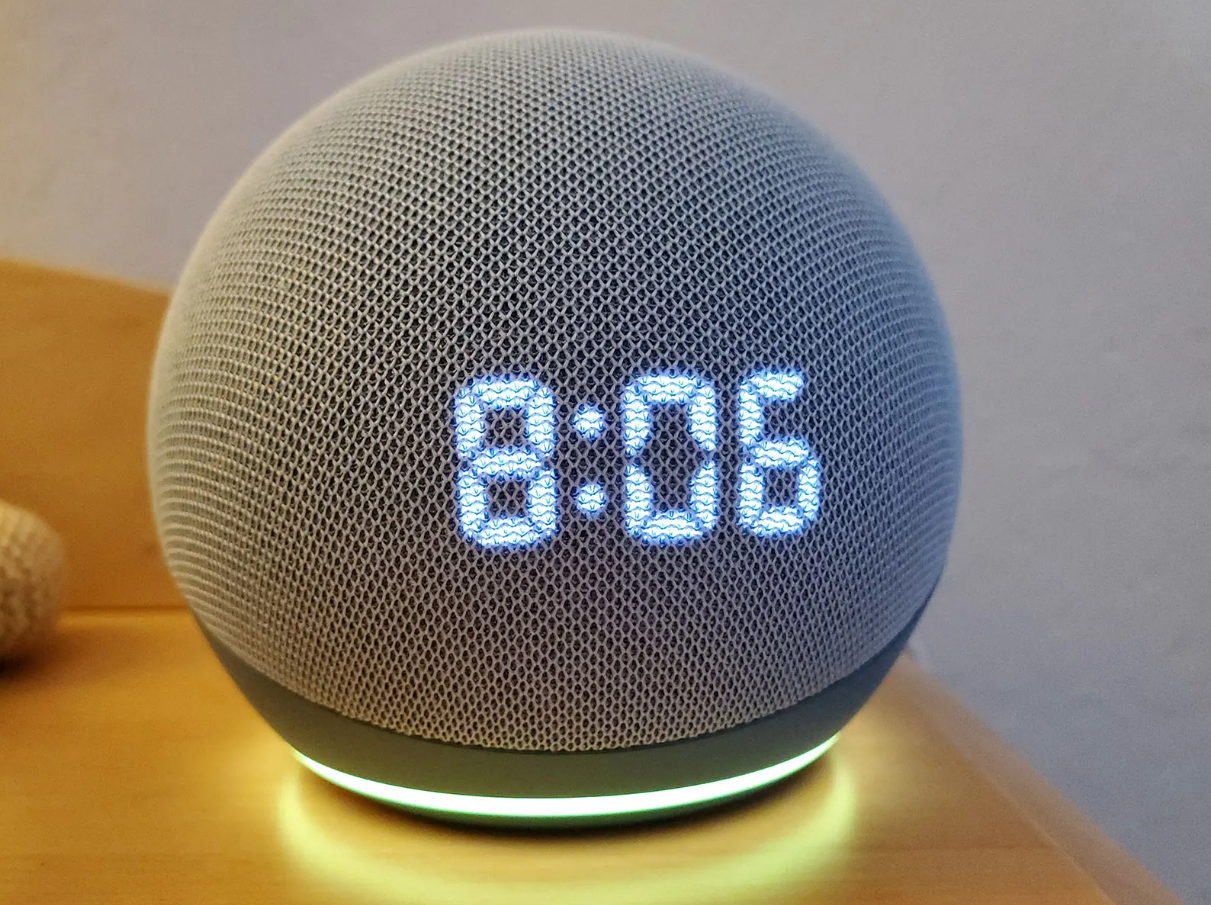
Most Echo devices include multiple microphones positioned around the device.
This microphone array helps Alexa:
- Hear voices across the room.
- Reduce background noise.
- Improve voice recognition.
- Better identify the wake word in different environments.
Using several microphones increases the chances of accurately detecting commands, even when music is playing or people are speaking from different directions.
Why Alexa Sometimes Activates by Mistake
Although wake word detection is highly accurate, it isn’t perfect.
Occasionally, television dialogue, similar-sounding words, or background conversations may resemble the configured wake word closely enough to activate the device unintentionally. Researchers have also studied these accidental activations, sometimes called false wake-ups.
These events are relatively uncommon but can occur in everyday environments.
Privacy Features
Amazon includes several privacy controls for Alexa-enabled devices.
Available options include:
- Microphone mute buttons.
- Voice history management.
- Options to review or delete recordings.
- Visual indicators showing when Alexa is processing a request.
Many Echo devices display a blue light while responding to a request and a red light when the microphones have been muted.
Can You Change the Wake Word?
Yes.
Alexa allows users to choose from several supported wake words. Selecting a different wake word can help reduce accidental activations or make multiple Alexa devices easier to manage within the same home.
Tips for Better Wake Word Recognition
To improve Alexa’s responsiveness:
- Place the device in an open location.
- Keep microphones free from dust or obstructions.
- Reduce excessive background noise during commands.
- Speak naturally at a normal volume.
- Keep the device updated with the latest software.
These simple practices can improve recognition accuracy.