Microsoft PowerPoint is evolving fast. It is no longer just a presentation tool. With the latest update, it now includes powerful AI image editing features built directly into slides.
PowerPoint Gets a Major AI Upgrade
For years, PowerPoint only offered basic tools like cropping, background removal, and simple effects. These features worked for quick edits, but they were limited. Many users had to switch to other apps for better results.
Now, Microsoft is changing that. The new update introduces a dedicated AI image editor. It brings faster, smarter, and more flexible editing without leaving PowerPoint.
New AI Image Editing Features
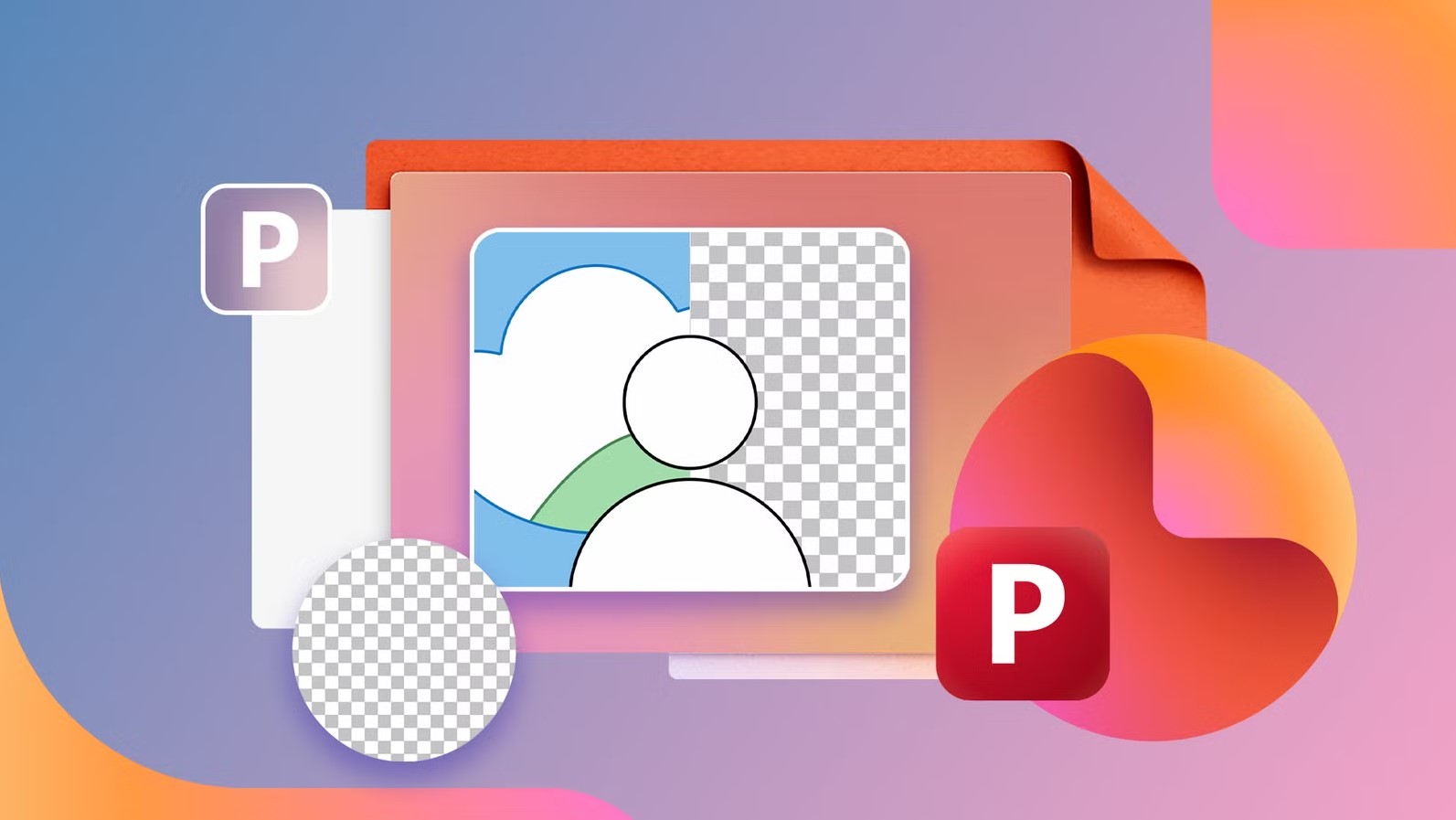
The updated editor lets you do much more with your images. You can remove unwanted objects in seconds. You can move subjects and let AI fill the background. You can also improve image quality and upscale low-resolution visuals.
One of the best features is text editing inside images. You no longer need to recreate graphics just to fix text. This saves time and makes your workflow smoother.
The interface is also cleaner. It opens in a focused editing mode with simple tools at the top. Everything feels faster and easier to use.
How to Use the New Image Editor
Getting started is simple and does not take much time:
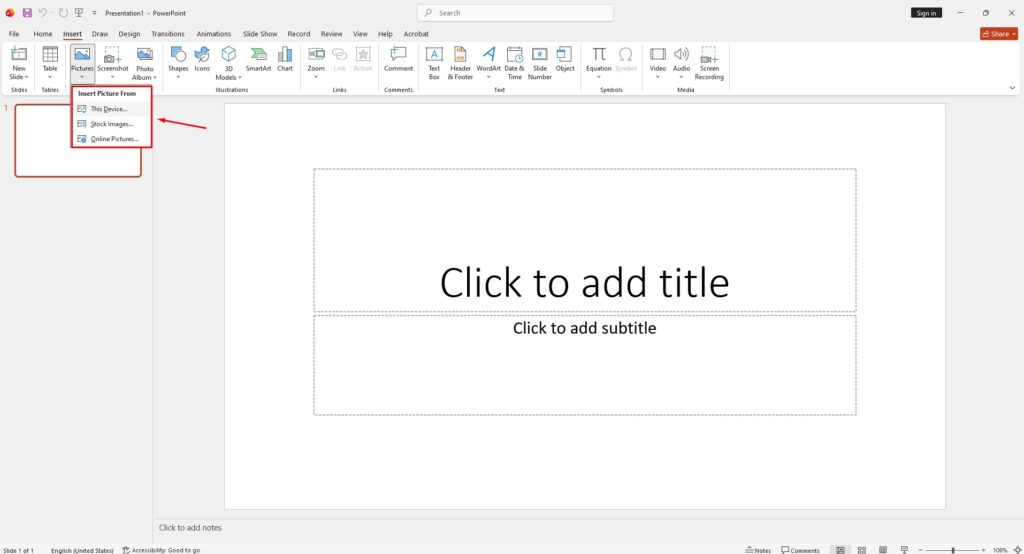
- Insert or paste an image into your slide from the Insert tab
- Select the image and open the Picture Format tab, then click Edit Image
- Choose a tool from the top menu or use Edit Text if your image has text
- Watch changes in real time as you edit
- Use Undo if you need to go back
- Click Update to apply the final result to your slide
Things to Keep in Mind
This update is powerful, but it is not perfect. Since it uses AI, some edits may not look fully natural. You may need to try again to get better results.
Also, once you apply changes, you cannot undo them step by step. You can only revert everything at once. The text editing tool works best with clear fonts, so it may struggle with blurry or complex text.
Availability and Rollout
The new image editor is already rolling out. It is available on newer versions of PowerPoint for Windows and Mac. The web version is coming gradually, so users should see it soon.
This update makes PowerPoint much more powerful. It reduces the need for extra software and helps users edit images faster and easier than before.