

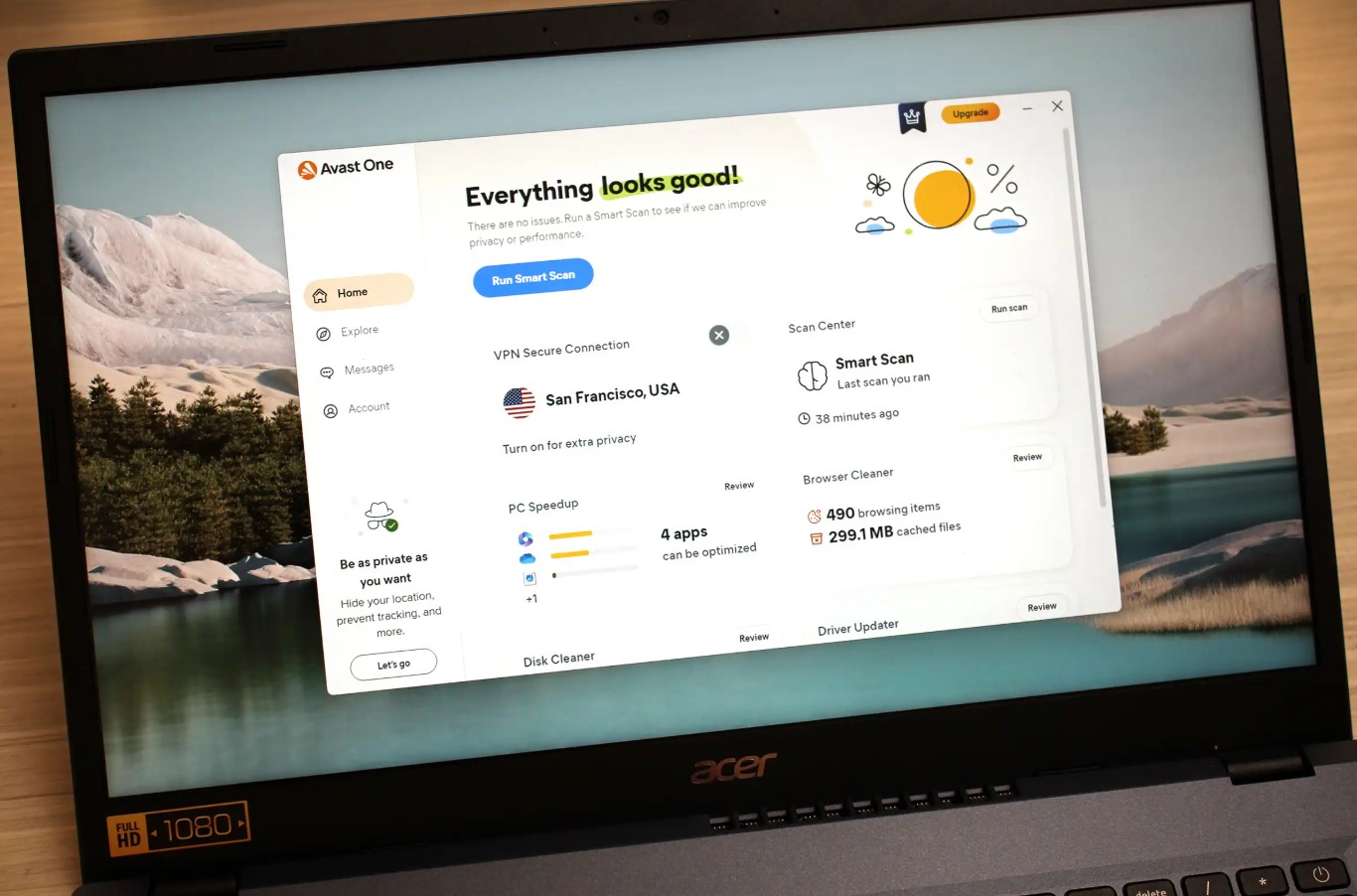
Protecting your computer with Avast Antivirus is one of the most important steps you can take to secure your digital life. Cyber threats such as malware, ransomware, phishing attacks, spyware, and viruses are constantly evolving. Installing a trusted security solution like Avast ensures your personal data, passwords, banking information, and files remain protected.
This detailed guide will walk you through how to download, install, and activate Avast Antivirus properly. Whether you are a first-time user, reinstalling after formatting your device, or installing Avast on a new PC, this guide covers everything you need for a smooth and secure setup.
Why Choose Avast Antivirus?
Before we begin the installation process, it’s important to understand why millions of users worldwide trust Avast Antivirus:
- Real-time malware and virus protection
- Ransomware shield
- Phishing and web protection
- Email security
- Wi-Fi network security scanning
- Regular automatic updates
- Lightweight performance impact
Avast provides strong protection without slowing down your system, making it suitable for both home users and professionals.
Step 1: Download Avast Antivirus
The first step is downloading the latest official version of Avast Antivirus.
How to Download Avast:
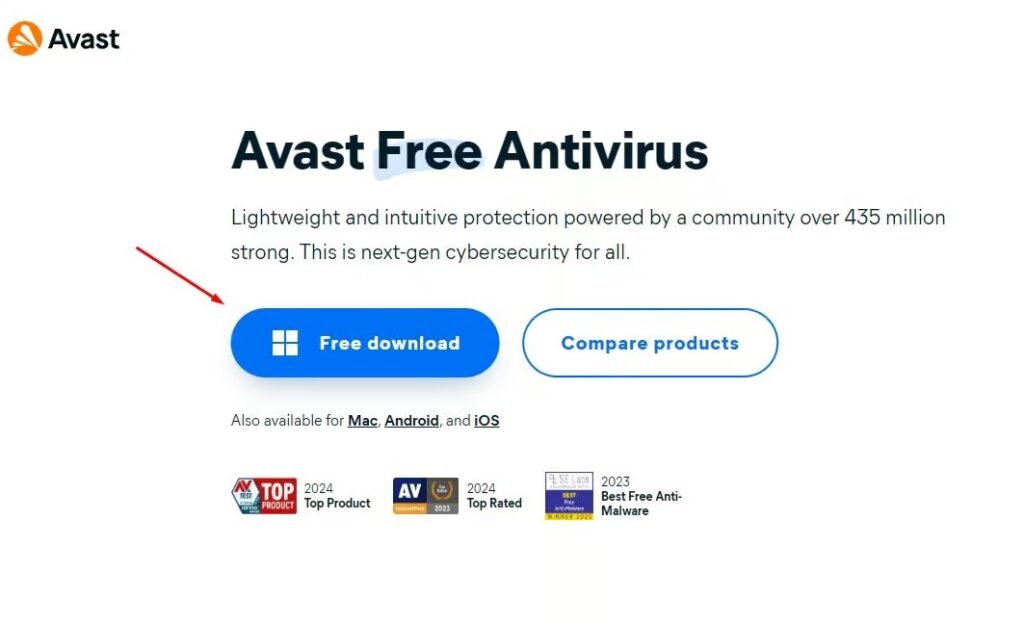
- Visit the official Avast website.
- Select the version you want (Free Antivirus, Premium Security, etc.).
- Click the “Download” button.
- Wait for the installation file to download completely.
Important Tips:
- Always download Avast from the official website to avoid fake or modified files.
- Make sure you have a stable internet connection.
- Check that your device meets the minimum system requirements.
Once downloaded, you are ready to install Avast on your device.
Step 2: Install Avast Antivirus
After downloading the installation file, follow these steps carefully.
Installation Process:
- Open your Downloads folder.
- Double-click the Avast setup file.
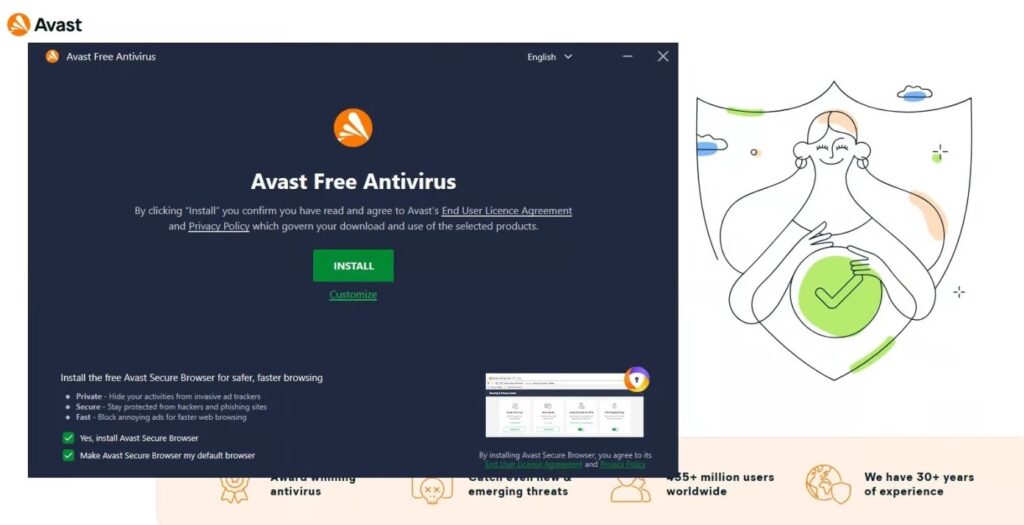
- If prompted by Windows, click “Yes” to allow the installer to run.
- Click “Install” to start the process.
- Wait while Avast installs necessary files.
- Click “Finish” once installation is complete.
- Restart your computer if required.
The installation usually takes only a few minutes, depending on your internet speed and system performance.
Optional: Customize Installation
Advanced users can choose Custom Installation to:
- Select specific components
- Choose installation location
- Disable optional tools
For most users, the default installation is recommended.
Step 3: Activate Avast Antivirus
If you are using the Premium version, activation is required to unlock full protection features.
How to Activate Avast:
- Open Avast Antivirus.
- Click the “Menu” icon in the top-right corner.
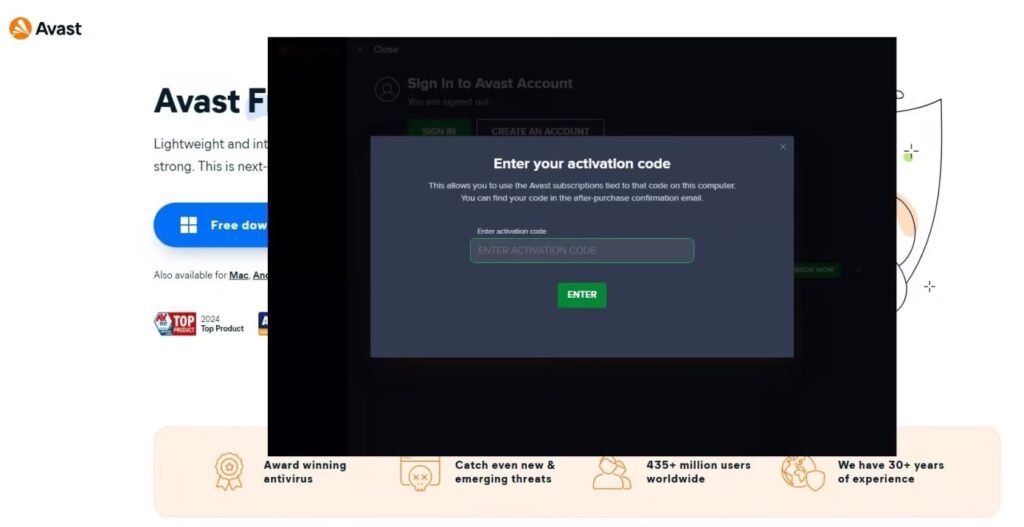
- Select “Enter Activation Code.”
- Enter your valid Avast license key.
- Click “Activate.”
If your license is valid, Avast will confirm successful activation immediately.
What Happens After Activation?
Once activated:
- Real-time protection is fully enabled.
- Advanced firewall features become available.
- Ransomware Shield activates.
- Premium updates are automatically installed.
You can check your subscription status under Menu → My Subscriptions.
What to Do After Installing Avast
To maximize your security, follow these important steps after installation:
1. Run a Full System Scan
Perform a full system scan to detect any existing threats.
2. Enable Automatic Updates
Ensure virus definitions and software updates are enabled.
3. Configure Security Settings
Adjust firewall, ransomware protection, and web shield settings according to your needs.
4. Schedule Regular Scans
Set weekly or monthly scans to maintain optimal protection.
Common Installation Issues and Solutions
Problem: Installation Fails
- Disable other antivirus software before installing.
- Restart your device and try again.
- Download the installer again in case the file is corrupted.
Problem: Activation Code Not Working
- Double-check for typing errors.
- Confirm your subscription is active.
- Contact Avast Support if the issue persists.
System Requirements for Avast Antivirus
Before installing, make sure your system meets the following requirements:
- Windows 10 or Windows 11 (latest updates recommended)
- Minimum 1 GB RAM
- 2 GB free disk space
- Active internet connection







