

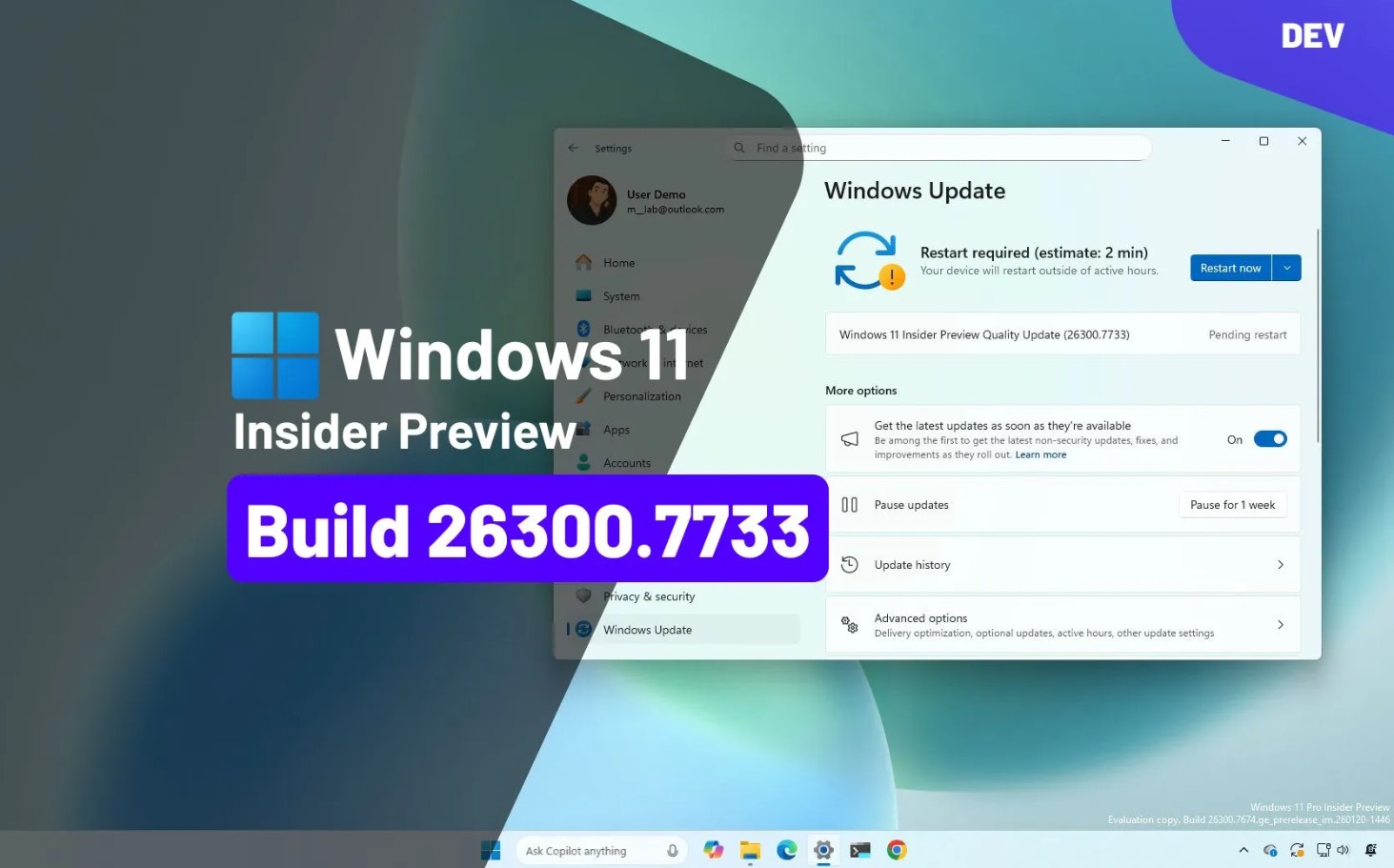
Microsoft has released Windows 11 Insider Preview Build 26300.7733 to devices enrolled in the Dev Channel. This update continues Microsoft’s work on improving system stability, performance, and core platform components ahead of future Windows 11 releases.
Dev Channel builds allow early testing of features that are still under active development. Because of this, these builds may change significantly or never appear in a stable release.
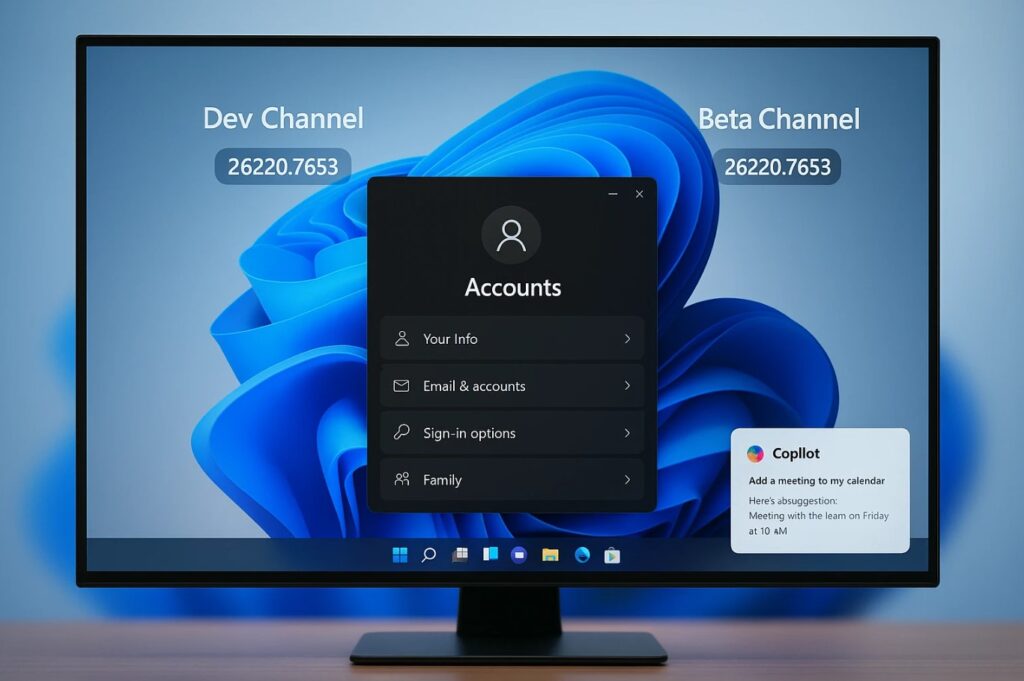
Overview of Build 26300.7733
This update focuses mainly on internal improvements and reliability fixes rather than introducing major user-facing features. Microsoft uses builds like this to refine the Windows platform and gather early feedback from Windows Insiders.
These types of builds are important because they help identify issues early in the development cycle.
Improvements and System Enhancements
Build 26300.7733 includes several background improvements designed to enhance system responsiveness and long-term stability. Microsoft continues to optimize memory handling, background services, and internal processes.
Although many of these changes are not immediately visible, they help improve overall system behavior and reduce potential issues in later releases.
Users who test preview builds on secondary devices may notice smoother performance over time.
Fixes Included in This Build
Microsoft addressed multiple issues reported by Windows Insiders. These fixes improve reliability and reduce unexpected behavior during daily use.
Some of the improvements include:
- Better system stability during extended uptime
- Reduced risk of freezes or crashes
- Improved handling of background services
- More reliable update installation
These fixes help make Dev Channel builds more usable for testing.
Known Issues
As expected with Dev Channel releases, some issues remain. Certain features may behave inconsistently, and some applications may show compatibility problems.
Microsoft encourages users to report issues through the Feedback Hub. This feedback helps improve future builds.
About the Windows 11 Dev Channel
The Dev Channel is intended for advanced users, developers, and enthusiasts who want early access to Windows features under active development. These builds are not tied to a specific Windows version and may change significantly.
For this reason, Dev Channel builds are not recommended for daily or production systems.
How to Install Build 26300.7733
To install this update, your device must be enrolled in the Dev Channel.
Steps:
- Open Settings
- Go to Windows Update
- Select Windows Insider Program
- Confirm enrollment in the Dev Channel
- Check for updates and install the latest build
A restart is required to complete the installation.
Best Practices for Testing Dev Channel Builds
When testing Dev Channel releases, it is recommended to:
- Use a secondary device or virtual machine
- Back up important data regularly
- Expect bugs and unfinished features
- Avoid using preview builds on critical systems
These steps help reduce risk while testing early software.







