

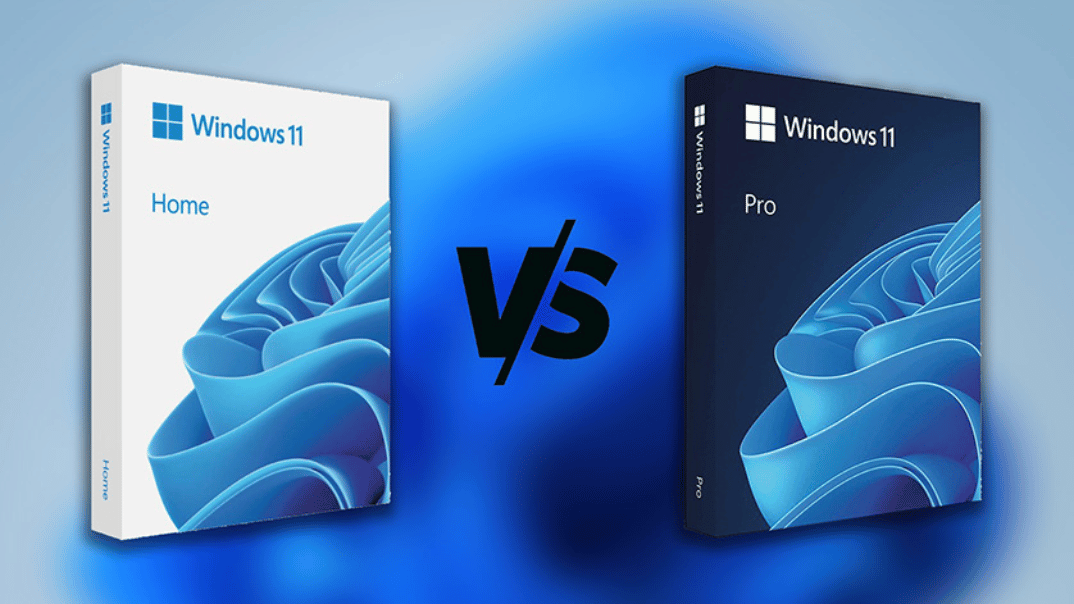
If you’re still using Windows 10, it’s time to upgrade. Microsoft no longer supports Windows 10. That means it doesn’t get security updates anymore. Upgrading to Windows 11 keeps your PC safe and up to date.
But which edition should you choose: Windows 11 Home or Windows 11 Pro?
Both editions improve on Windows 10. They include:
- Better built-in apps
- AI tools like Copilot
- Easy window snapping
- Stronger security
- A clean, modern interface
- Gaming features like Auto HDR and DirectStorage
Whether you buy a new PC with Windows 11 or upgrade an existing one (if it meets the hardware requirements), you still need to pick the right edition.
Bottom line: Most users do well with Windows 11 Home. Windows 11 Pro is for businesses or people who need advanced tools for multiple PCs and extra security.
Features Available in Both Windows 11 Home and Pro
Bluetooth Quick Pairing
Connect devices like headphones and speakers quickly and easily.
Clipchamp Video Editor
Create and edit videos with this built-in, easy-to-use video editor.
Copilot AI
Generative AI for writing, image creation, research, and content rewriting.
File Explorer with Tabs
Organize and navigate your files efficiently with tabbed browsing.
Focus Sessions
Minimize distractions and boost productivity with scheduled work sessions.
Gaming Enhancements
Features like Auto HDR, DirectStorage, and improved Game Mode for better performance.
Live Captions
Automatically generate captions for any audio playing on your PC.
Native Passkey Support
Secure login without relying on passwords.
Screenshot & Video Capture
Take screenshots or record your screen with powerful built-in tools.
Snap Layouts
Arrange and organize multiple app windows efficiently.
Updated Utility Apps
Media Player, Photos, and other built-in apps with modernized interfaces.
Voice Typing
Type hands-free with improved voice recognition.
Windows Backup Tool
Built-in tool for backup and restore of your files.
Widgets Panel
Access news, weather, finance, and sports at a glance.
Updated Microsoft Store
Browse, install, and manage apps with the modernized Microsoft Store interface.
Exclusive Features of Windows 11 Pro
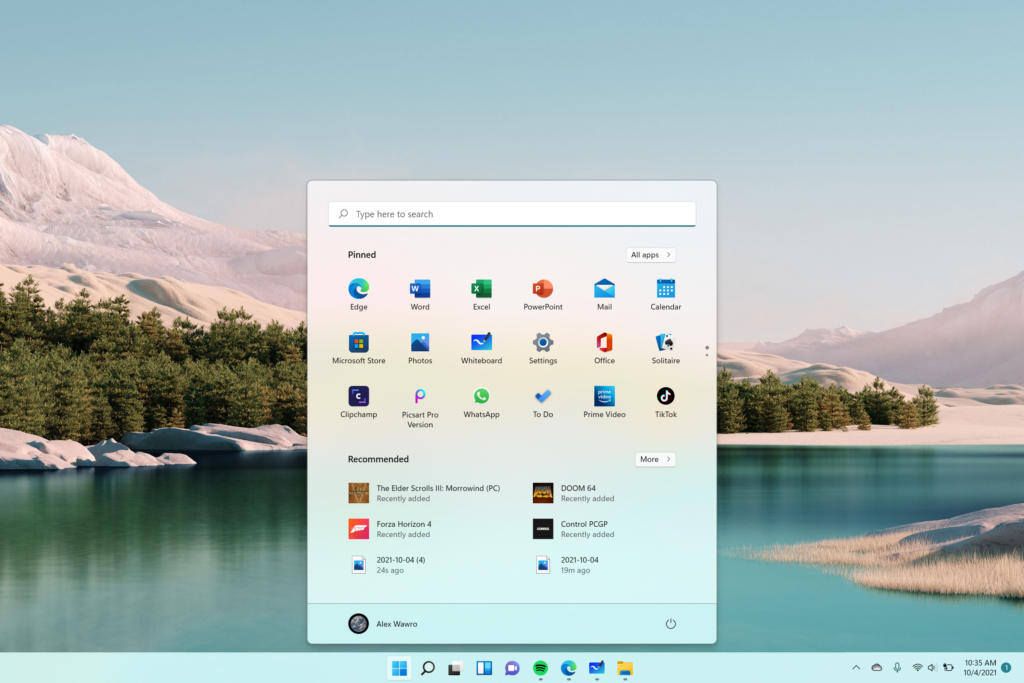
Windows 11 Pro adds advanced features for business and professional users:
- Join a domain to connect to corporate networks
- Connect to Azure Active Directory for cloud-based enterprise management
- BitLocker for enhanced encryption and data protection
- Private Catalog for company-specific apps in Microsoft Store
- Hyper-V for creating and running virtual machines
- Remote Desktop for managing PCs remotely
Security: Home vs Pro
Security: Home vs Pro
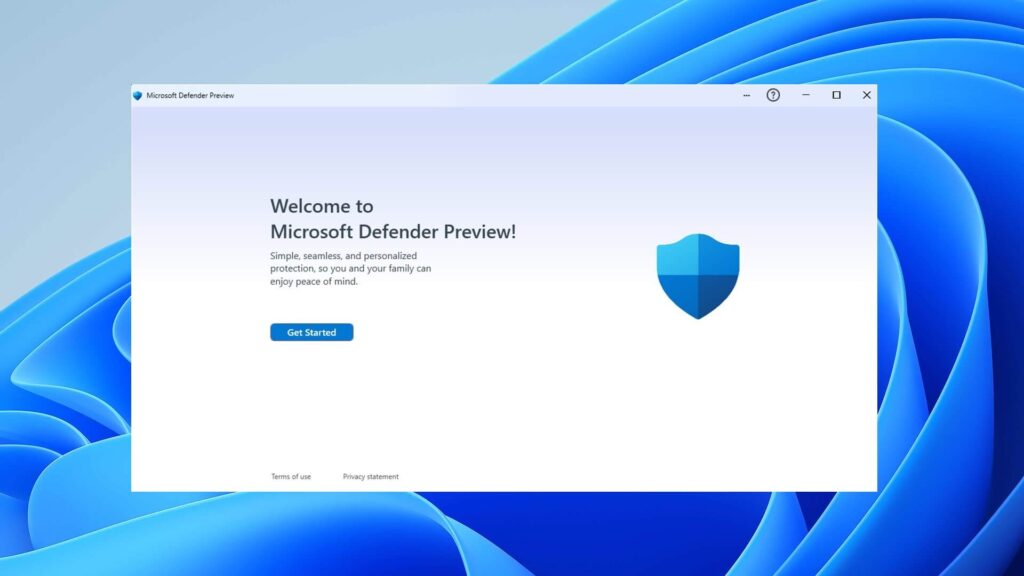
Both editions have standard Windows Security:
- App control
- Device security (core isolation and TPM support)
- Family options
- Firewall and network protection
- Virus and threat protection
Windows 11 Pro adds stronger security:
- BitLocker encryption can be managed remotely
- Better protection for sensitive company data







