

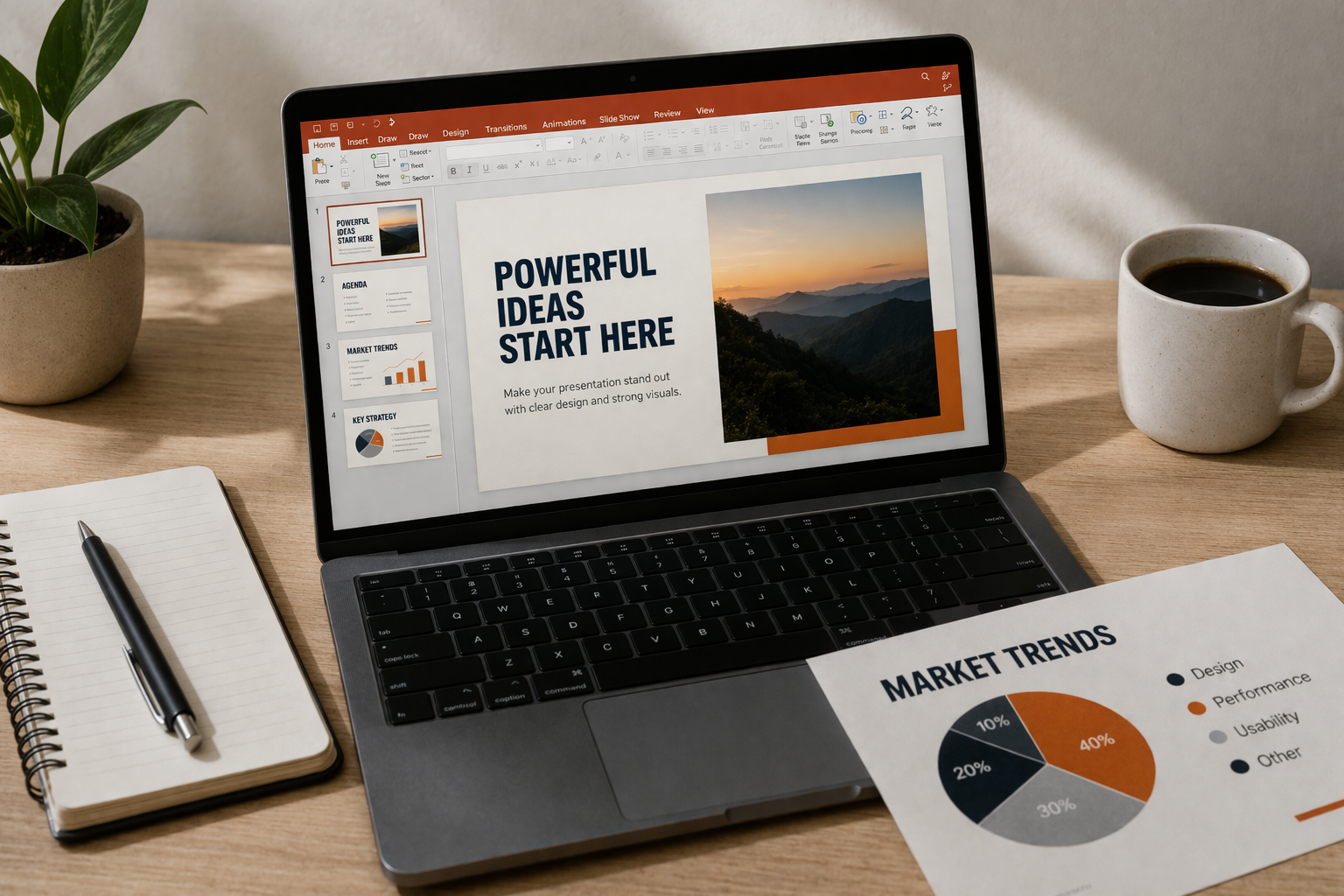
A good presentation is not just about what you say, but how you present it. Microsoft PowerPoint includes a range of built-in tools that can transform basic slides into something far more engaging and professional. The problem is that many users stick to simple text and images, missing features that can make a real difference.
If you want your presentation to stand out, these six PowerPoint tools are worth using.
1. Designer (Design Ideas)
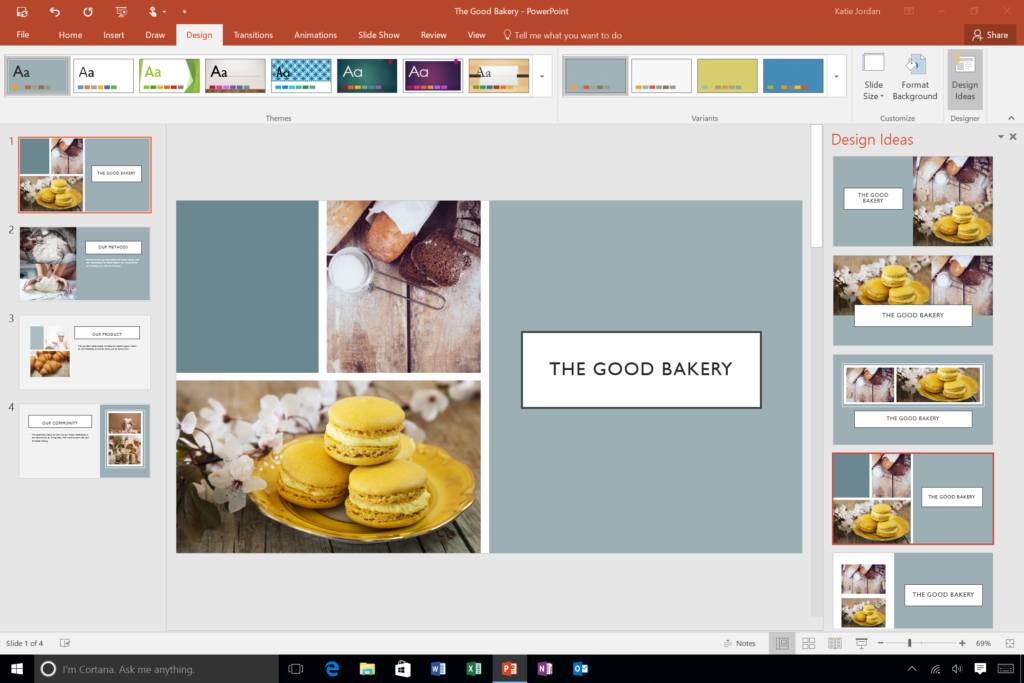
PowerPoint’s Designer feature automatically suggests slide layouts based on your content. As soon as you add text or images, it offers design variations that look clean and modern.
This tool is especially useful if you don’t have design experience. Instead of manually adjusting elements, you can quickly apply a professional layout with a single click.
2. Morph Transition
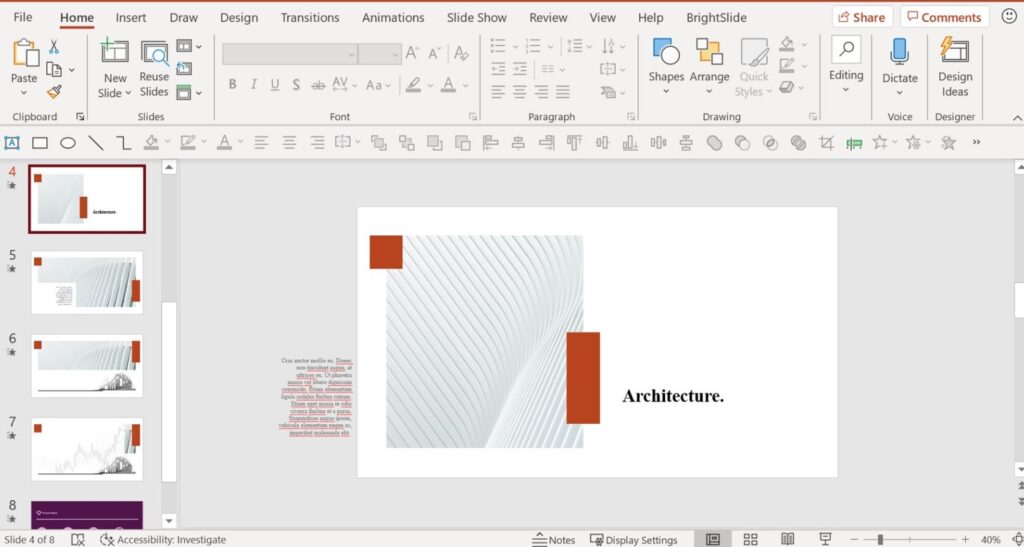
The Morph transition creates smooth animations between slides. It allows objects to move, resize, or transform seamlessly, giving your presentation a more polished and dynamic feel.
For example, you can zoom into a specific part of an image or smoothly shift focus from one element to another. It’s a simple way to add a high-end effect without complex animation work.
3. Slide Master
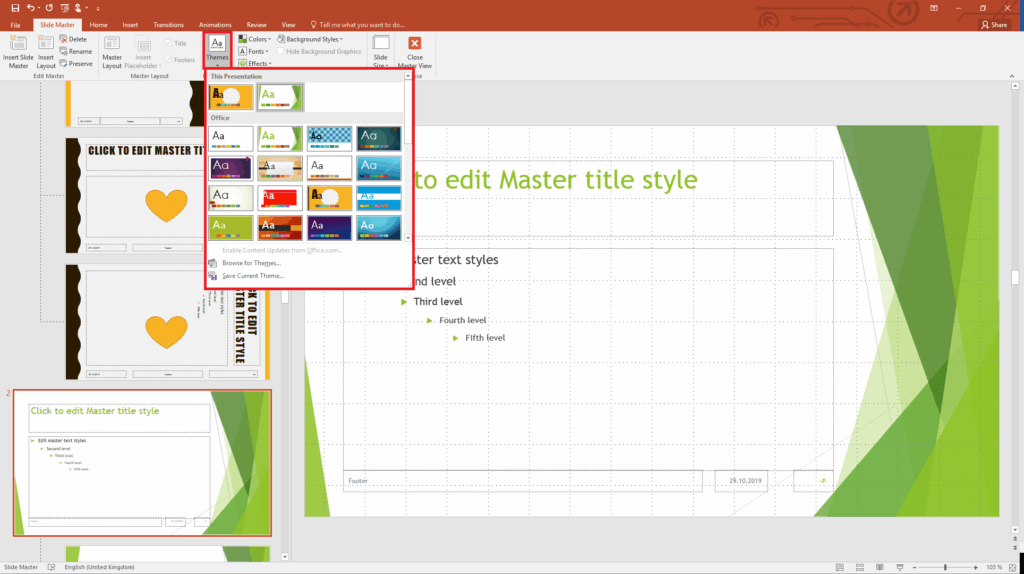
If you want consistency across your entire presentation, the Slide Master is essential. It lets you control fonts, colors, logos, and layouts from one place.
Instead of editing each slide individually, you can make changes once and apply them everywhere. This not only saves time but also ensures your presentation looks professional and uniform.
4. Presenter View
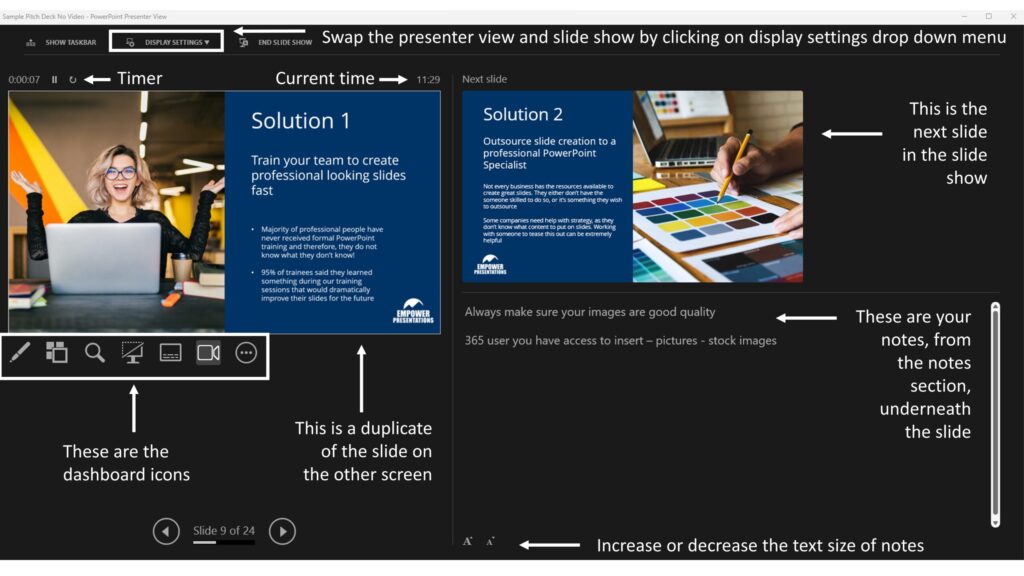
When presenting, Presenter View gives you more control and confidence. It shows your notes, upcoming slides, and a timer on your screen, while the audience only sees the slide itself.
This helps you stay on track without needing printed notes or memorizing every detail. It’s a simple feature, but it can significantly improve your delivery.
5. SmartArt Graphics
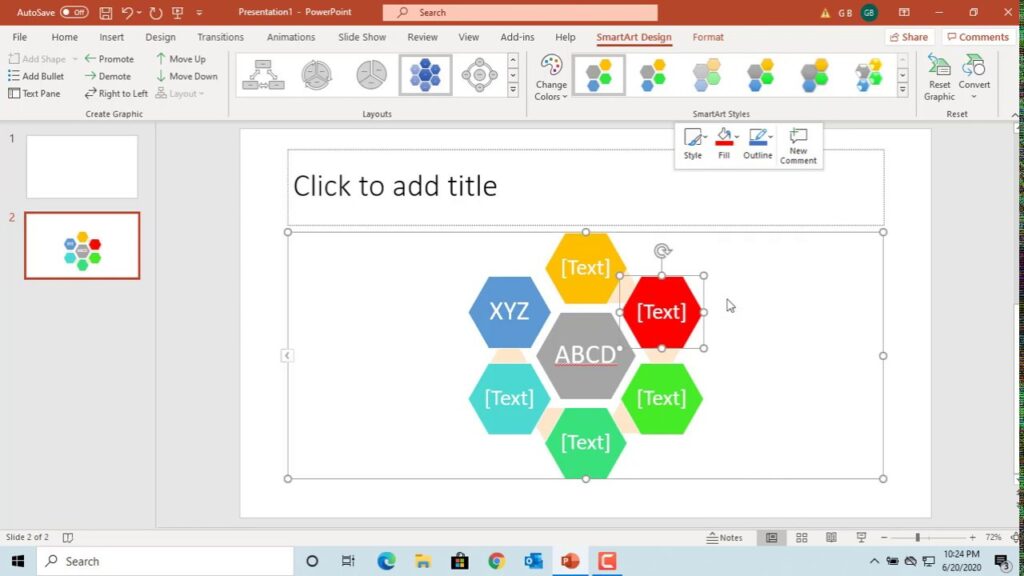
SmartArt allows you to turn plain text into visual diagrams. Whether you’re showing a process, hierarchy, or comparison, SmartArt makes information easier to understand.
Instead of overwhelming your audience with text, you can present ideas visually, which keeps attention and improves clarity.
6. Zoom Feature
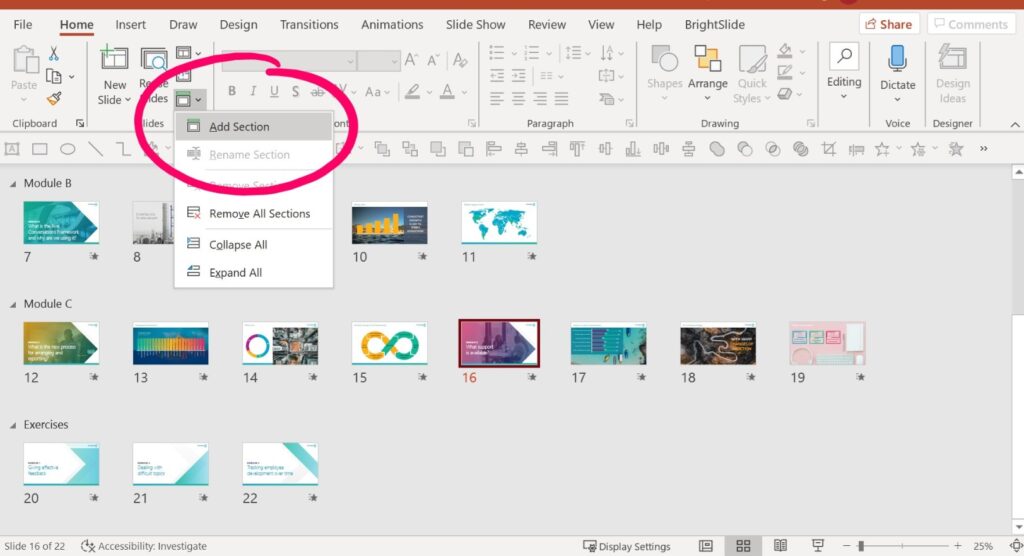
The Zoom feature lets you create interactive presentations. You can jump between sections, zoom into slides, and navigate non-linearly instead of following a strict order.
This is particularly useful for presentations where you may need to adapt based on audience questions or focus on specific topics.







