

Windows 11 has evolved far beyond its original release, and in 2026 it stands as Microsoft’s most refined desktop operating system to date. While early adopters debated hardware requirements and design changes, the platform has since matured into a stable, secure, and productivity-focused OS used by millions worldwide.
However, before upgrading, it’s important to understand what Windows 11 actually delivers, who benefits most, and where it still differs from Windows 10.
A More Modern and Focused User Experience
First of all, Windows 11 introduces a cleaner and more consistent design. The centered Start Menu, rounded corners, and redesigned system icons aren’t just cosmetic—they improve readability and reduce visual clutter.
Moreover, animations and transitions feel smoother, especially on modern hardware. As a result, everyday tasks like multitasking, file management, and window snapping feel more fluid and intuitive.
Productivity Improvements That Actually Matter
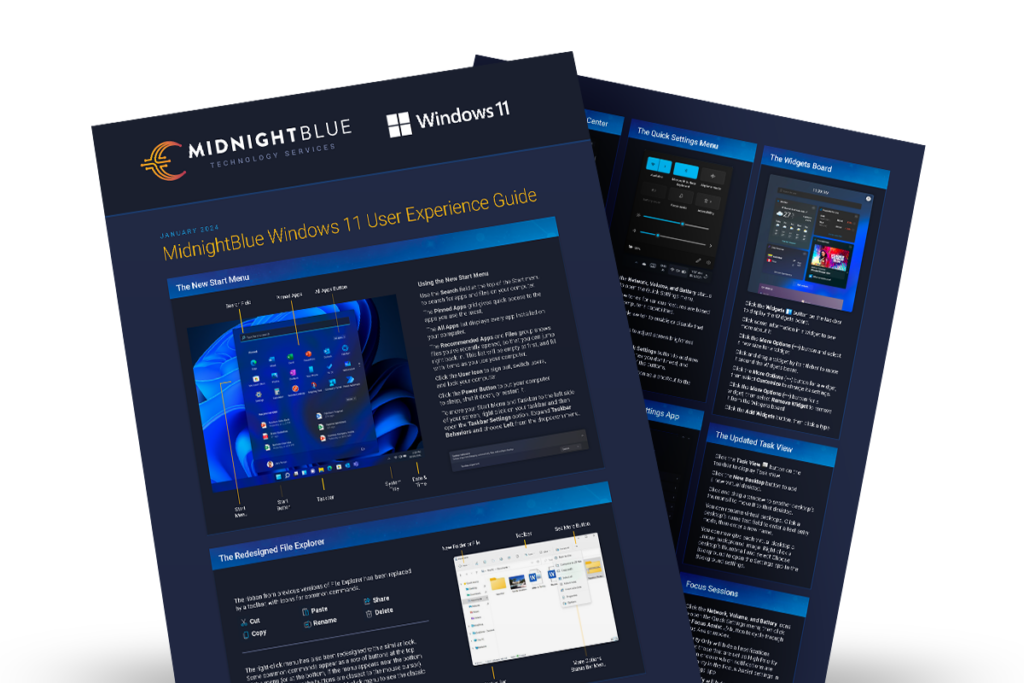
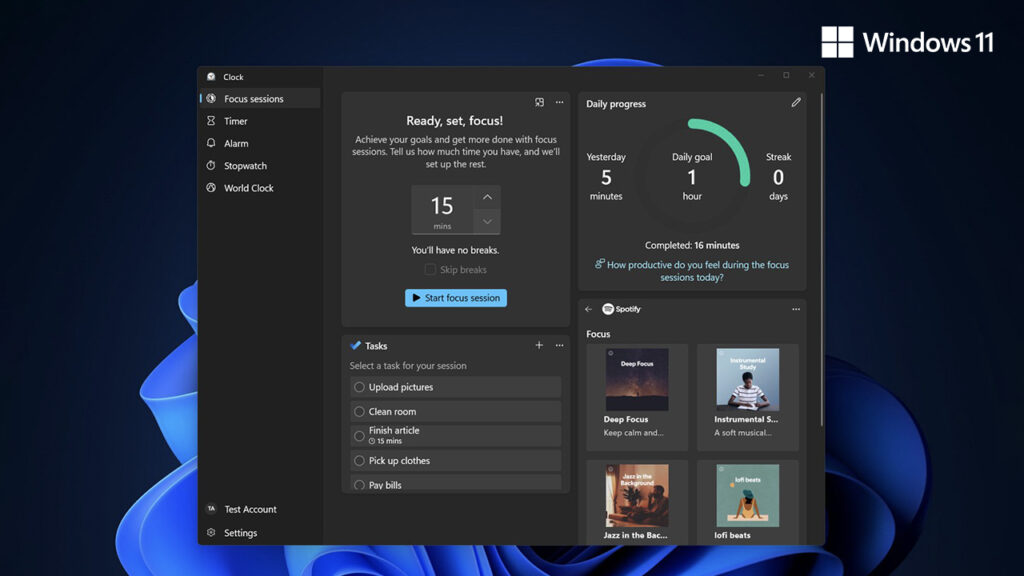
Windows 11 isn’t just about looks. In fact, it brings several meaningful productivity upgrades.
For example, Snap Layouts and Snap Groups make multitasking easier by allowing users to organize multiple windows instantly. Additionally, virtual desktops are more flexible, letting users separate work, personal, and gaming environments more effectively.
Furthermore, native support for modern input methods—such as touch, pen, and voice—makes Windows 11 particularly appealing for laptops and hybrid devices.
Performance and Stability in Real-World Use
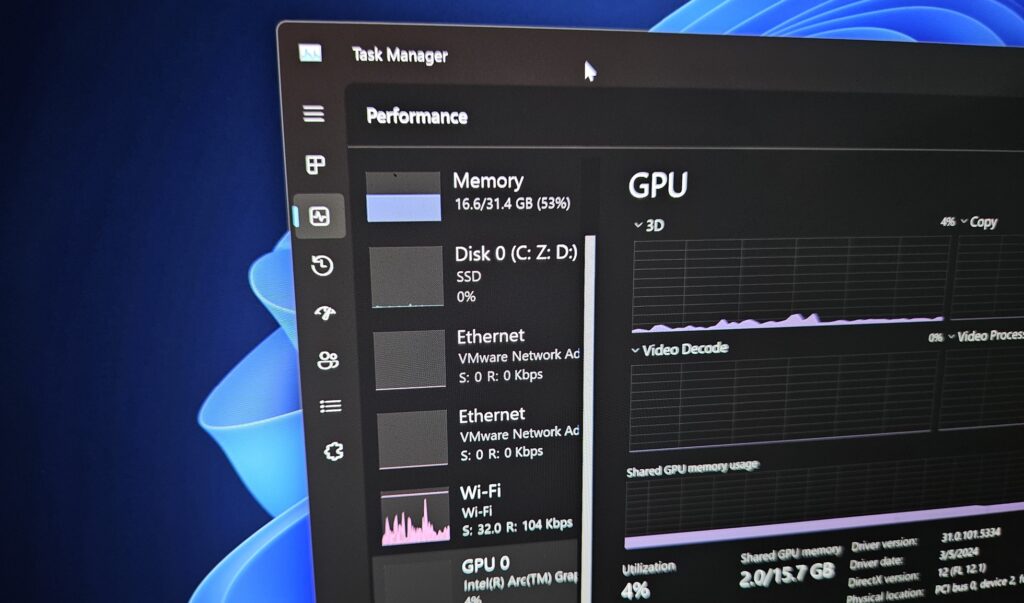
Although some users initially worried about performance, Windows 11 has proven to be efficient in day-to-day scenarios. Thanks to improved memory management and background process handling, systems often feel more responsive, especially during multitasking.
In addition, Windows 11 is optimized for newer CPUs and storage technologies. Consequently, devices with SSDs and modern processors benefit the most from the upgrade.
Stronger Security by Default
One of the most significant advantages of Windows 11 is security.
By requiring features such as TPM 2.0 and Secure Boot, Windows 11 raises the baseline for system protection. As a result, devices are better protected against firmware attacks, ransomware, and credential theft.
While these requirements initially caused controversy, they ultimately make Windows 11 a safer platform for both home users and businesses.
Gaming and Creative Advantages
Windows 11 also delivers clear benefits for gamers and creators.
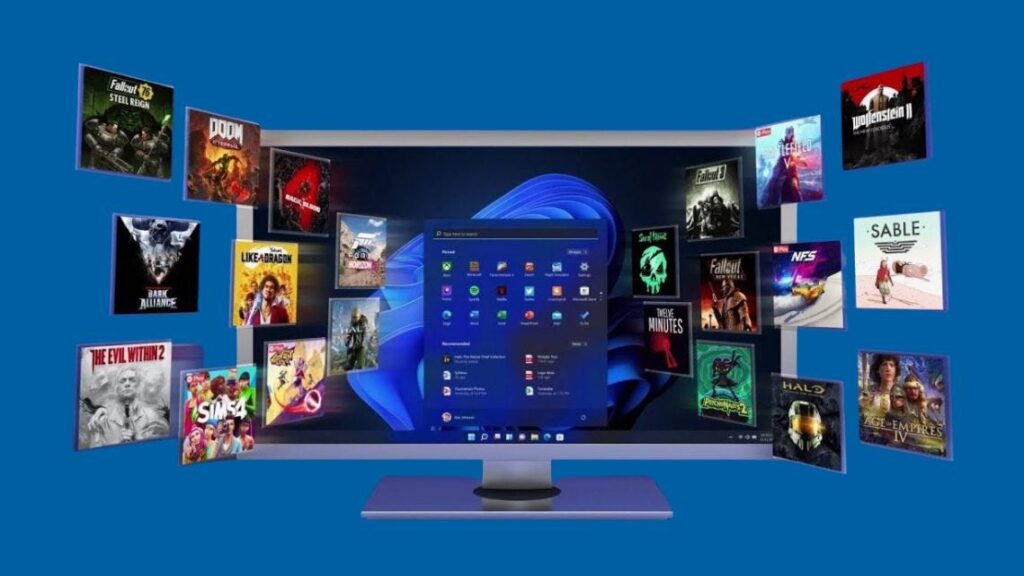
Features like Auto HDR and DirectStorage improve load times and visual quality in supported games. Meanwhile, creative professionals benefit from better color management, improved multi-monitor handling, and smoother performance in demanding applications.
Therefore, Windows 11 is increasingly becoming the preferred choice for high-performance workloads.
Should You Upgrade to Windows 11?
The answer depends on your hardware and use case.
Windows 11 is ideal if you:
- Use modern hardware
- Want improved security and long-term support
- Rely on multitasking and productivity tools
- Game or create content regularly
On the other hand, older systems that don’t meet the requirements may perform better on Windows 10 until hardware upgrades are possible.







