

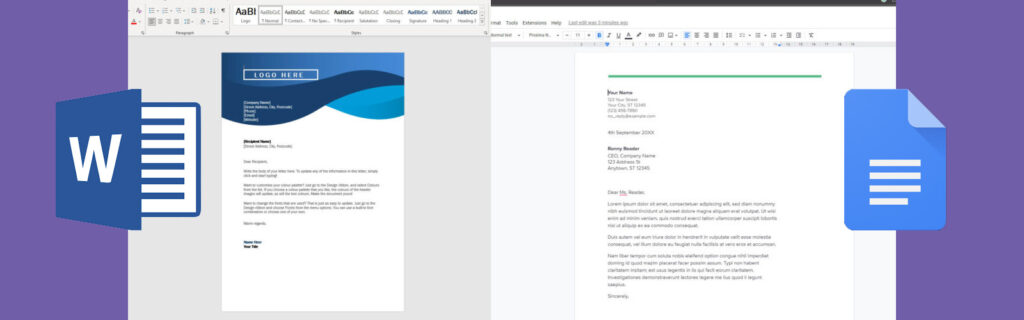
While Google Docs has grown popular for its cloud-based convenience, Microsoft Word remains the most powerful word processing tool available. Its advanced features, customization options, and professional tools make it indispensable for serious writers, students, and businesses. Here are six powerful things only Microsoft Word can do.
1. Advanced Formatting and Styles
Microsoft Word offers unmatched control over document formatting. Users can create and customize styles for headings, paragraphs, and tables. Automatic style updates and a consistent theme across documents make Word perfect for creating professional reports, resumes, and books. Google Docs simply doesn’t offer the same depth of formatting options.
2. Track Changes and Collaboration
While Google Docs allows basic real-time collaboration, Word’s Track Changes feature is far more advanced. Editors can leave comments, suggest edits, and accept or reject changes with complete control. This makes Word the preferred choice for legal documents, academic papers, and multi-author projects where precise editing is crucial.
3. Advanced Table and Chart Tools
Word provides powerful table and chart tools, including nested tables, custom formulas, and integrated Excel charts. These features allow users to create complex data layouts and reports without switching between programs. Google Docs offers basic tables but cannot match Word’s flexibility.
4. Mail Merge for Mass Communication
Microsoft Word’s Mail Merge allows users to send personalized letters, emails, or labels to hundreds of contacts automatically. By linking to Excel or other data sources, Word can generate customized communications efficiently. This feature is essential for businesses and organizations.
5. Extensive Templates and Design Options
Word comes with a vast library of templates for resumes, brochures, reports, and more. Its built-in design tools, including SmartArt, themes, and advanced image formatting, allow users to create polished, visually appealing documents quickly. Google Docs templates are limited in comparison.
6. Offline Functionality and File Control
Unlike Google Docs, which relies heavily on an internet connection, Microsoft Word works fully offline. Users can save files in multiple formats, including PDF, DOCX, and RTF, with advanced options for password protection, document recovery, and version control.
Microsoft Word continues to lead in professional document creation thanks to these unique features. While Google Docs is convenient for collaboration, Word offers the depth, control, and flexibility required for serious writing, complex formatting, and professional-level productivity.







