


If you’ve been ignoring the Copilot icon on your taskbar, you might be closer to reality than Microsoft’s marketing suggests. While Microsoft Copilot is promoted as a productivity breakthrough, the fine print and recent changes tell a different story. From unreliable outputs to official warnings, Copilot is not the must-have tool many expected.
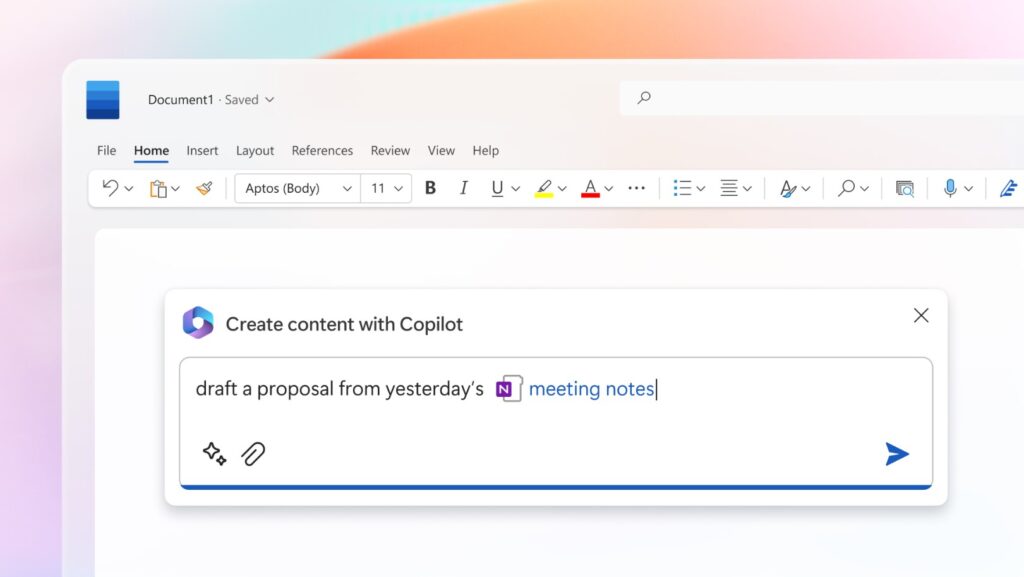
Too Many Distractions, Not Enough Value
For many users, Copilot feels intrusive rather than helpful. It shows up across apps where it isn’t always needed, interrupting simple workflows.
- Constant AI prompts break focus
- Appears in basic tools like Notepad and Snipping Tool
- Adds complexity to otherwise simple tasks
- Feels forced rather than optional
Microsoft itself seems aware of this. In 2026, the company started reducing “unnecessary entry points,” quietly stepping back from its aggressive AI push.
Accuracy Problems Where It Matters Most
Inside Microsoft Excel, accuracy is everything. This is where Copilot raises serious concerns.
- AI outputs can be inconsistent or incorrect
- Not suitable for financial or legal work
- Requires manual verification every time
- Breaks trust in data-driven environments
Microsoft even warns users to avoid relying on AI for high-stakes scenarios. That alone raises questions about its role in professional tools.
Marketing vs Reality
There’s a clear gap between how Copilot is promoted and how it’s described in official terms.
- Marketed as a productivity revolution
- Legally described as a tool that can make mistakes
- Users are advised not to rely on it for important decisions
- Messaging feels inconsistent
Even if some wording changes over time, the core message remains: this is not a tool you can fully trust.
Not Fully Independent
Another overlooked issue is Copilot’s reliance on external AI models.
- Uses third-party AI to improve results
- Suggests Microsoft’s own system isn’t enough
- Shows the product is still evolving
- Raises questions about long-term reliability
This makes Copilot feel less like a finished solution and more like an ongoing experiment.
Paying More for Less Clarity
Copilot has been bundled into Microsoft 365 pricing, whether users want it or not.
- Increased subscription costs
- AI features included by default
- Reduced presence in apps despite higher pricing
- Unclear value for many users
You’re essentially paying for a feature that Microsoft is still adjusting and partially stepping back from.
Where Copilot Actually Helps
To be fair, Copilot isn’t completely useless. It does have practical use cases.
- Drafting basic content
- Summarizing emails or documents
- Brainstorming ideas
- Speeding up repetitive tasks
The key is using it in low-risk situations, not relying on it for critical work.
A Smarter Way to Work
Instead of depending on AI everywhere, many users are simplifying their workflow.
- Use AI only when it adds clear value
- Keep core tasks manual and controlled
- Disable or hide unnecessary AI features
- Consider alternatives like LibreOffice
This approach reduces errors and improves overall productivity.







