

The Windows Insider Program has always been a powerful way for advanced users and enthusiasts to test upcoming Windows 11 features before public release. At the same time, it has often been frustrating due to hidden features, unclear update channels, and the need for full system reinstalls. Now, Microsoft is rolling out a major overhaul that directly tackles some of the biggest complaints and reshapes how the program works.
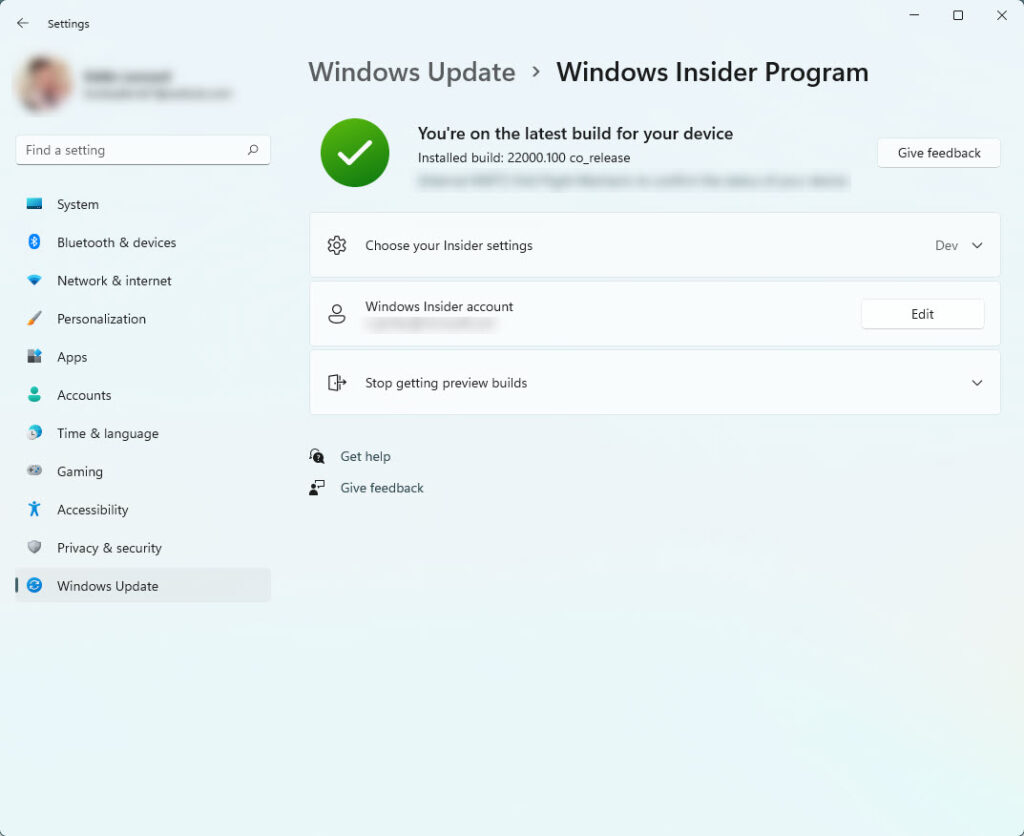
According to an official update shared by Alec Oot, Microsoft is preparing to introduce several improvements in the coming weeks. These changes align with a broader strategy to make Windows more flexible, transparent, and user-focused. For anyone considering joining or returning to the Insider Program, this update brings serious reasons to take another look.
No More Forced Windows Reinstalls
One of the most frustrating parts of the Insider Program has always been the exit process. Moving back to a stable version of Windows often required a complete reinstall, which meant losing apps, settings, and time.
That’s finally changing.
Microsoft is introducing an in-place upgrade rollback option, allowing users to return to stable builds without wiping their system. Applications, files, and settings will remain intact, removing a major barrier that discouraged many users from experimenting with Insider builds.
There is one limitation. Builds based on entirely different Windows core versions, known as Future Platforms builds, may still require a clean install. Even so, this improvement dramatically simplifies the experience for most users.
Clear and Simplified Insider Channels
The current Insider channel structure has been confusing for years. It has not always been obvious which channel receives features first or what level of stability to expect.
Microsoft is fixing that with a redesigned channel system:
- Release Preview Channel – Near-final updates with maximum stability
- Beta Channel – Features in active development with moderate stability
- Experimental Channel – Early, cutting-edge builds for testing new ideas
The Experimental Channel will include two paths: one aligned with the standard Windows core and another based on Future Platforms.
The biggest improvement here is flexibility. As long as Future Platforms builds are avoided, users will be able to switch between channels without reinstalling Windows. This makes testing far more practical and less risky.
Easier Access to Experimental Features
Accessing new features inside Insider builds has not always been straightforward. Microsoft has often used controlled rollouts, meaning some features only appeared on selected devices, even within testing environments.
This approach is being scaled back.
- The Beta Channel will now include full feature availability without staged rollouts
- A new Feature Flags section inside Settings will allow manual activation of experimental features
- No need for third-party tools like ViVeTool
This is a major shift. Instead of relying on unofficial methods, users will be able to explore new functionality directly and safely within the system. It also ensures consistency, so all testers in the same channel can access the same features.
Stronger Focus on User Feedback
The Windows Insider Program was originally designed not just for testing, but also for gathering real feedback from users. While feedback tools have existed for years, many users have felt their suggestions were ignored.
Microsoft is now signaling a renewed focus on listening.
- Greater emphasis on feedback submitted through the system
- More visible connection between user suggestions and updates
- Return of community meetups to connect users with developers
For example, long-standing requests like taskbar customization are finally being addressed. This suggests that feedback may play a more meaningful role going forward.
Still Not for Your Main PC
Despite all these improvements, one thing has not changed. Insider builds are still experimental.
They can include:
- System instability
- Bugs and crashes
- Incomplete features
For that reason, it is strongly recommended to install Insider builds on a secondary PC or test machine. Running them on a primary system still carries risk.
Why This Update Matters
This overhaul represents one of the most important improvements to the Windows Insider Program in years. Microsoft is removing long-standing frustrations and making the platform more accessible, flexible, and transparent.
With easier rollbacks, clearer channels, better feature access, and stronger feedback integration, the program is becoming far more appealing for both experienced testers and newcomers.
If you have ever considered trying early Windows 11 features, this is the best time to get started.







