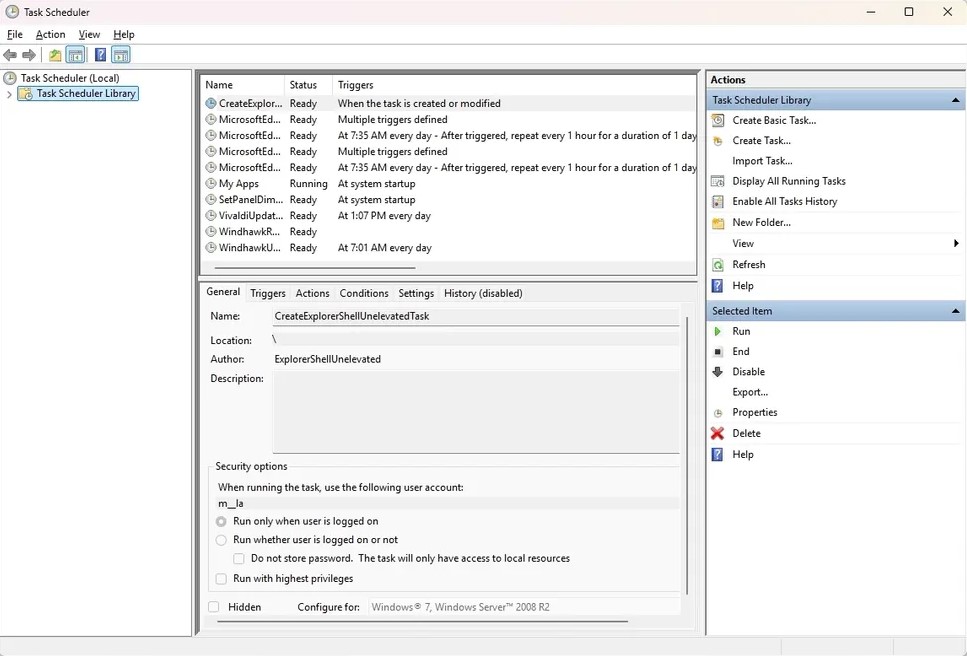
Both Windows 11 and earlier versions of Microsoft’s operating system include the powerful Task Scheduler, a built-in tool designed to automate system tasks. While the scheduler remains reliable and highly capable, its aging Microsoft Management Console (MMC) interface feels outdated and difficult for many users to navigate.
Over the years, Microsoft has refreshed many parts of Windows with modern design elements. However, Task Scheduler has largely stayed the same. Interestingly, an independent developer has now attempted to modernize the experience with a project called FluentTaskScheduler.
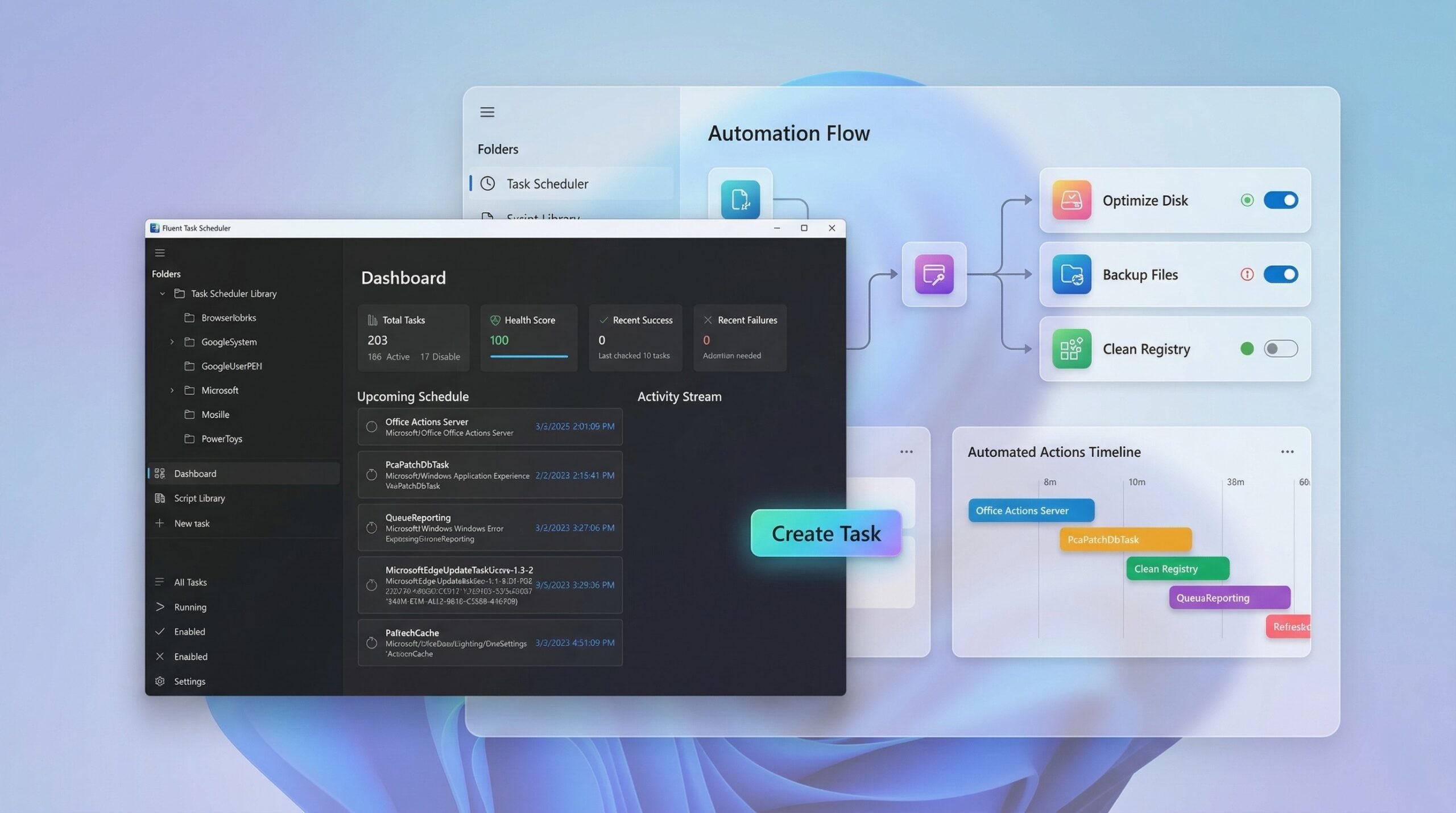
FluentTaskScheduler is a free, open-source wrapper built on top of the existing Windows Task Scheduler API. Instead of replacing the underlying scheduling engine, the tool simply provides a modern interface and additional features to make automation easier to manage.
Developed with WinUI 3, the Windows App SDK, and powered by .NET 8, the application introduces a cleaner Fluent Design interface while preserving the reliability of the original Windows scheduling system.
A Modern Dashboard for Better Visibility
One of the biggest weaknesses of the default Windows Task Scheduler is monitoring. Finding task history or checking activity often requires navigating several legacy dialogs.
FluentTaskScheduler addresses this problem with a centralized dashboard designed for everyday use. The interface highlights important information immediately and simplifies task management.
Key monitoring features include:
- A live activity stream showing task execution
- Detailed task history in an accessible format
- Search functionality for quickly locating tasks
- Batch operations for managing multiple tasks
- Import and export tools for configuration backups
Instead of digging through menus, users can manage and monitor automation from a single dashboard.
Full Trigger Support with a Cleaner Setup
FluentTaskScheduler uses the same trigger engine as the Windows Task Scheduler, meaning it supports all standard automation scenarios.
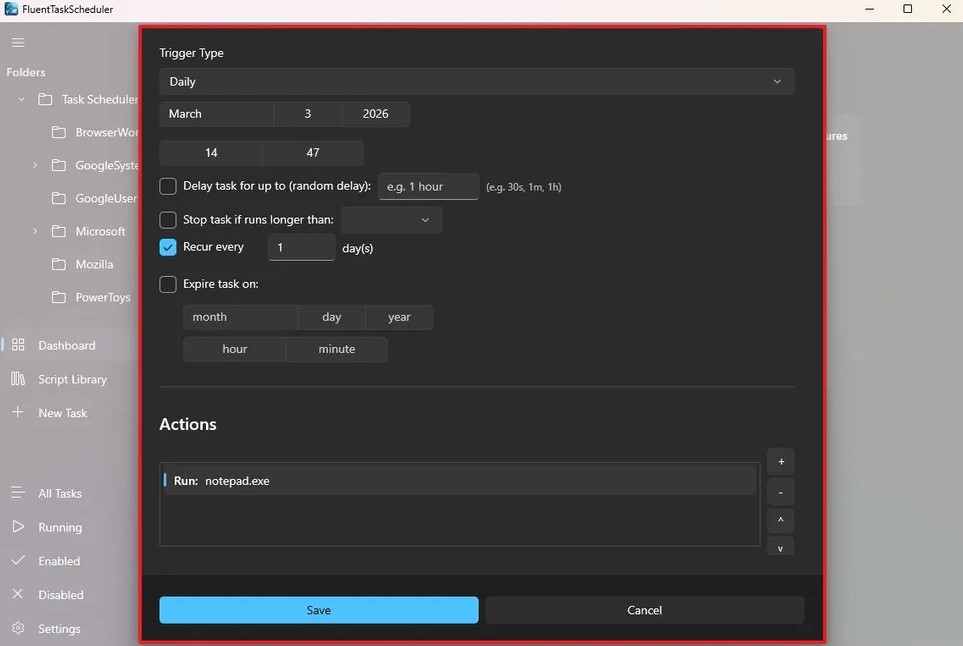
Users can create tasks based on several trigger types, including:
- Time-based triggers – one-time, daily, weekly, or monthly schedules
- System events – logon, startup, or specific event triggers
- Session events – user session activity
Advanced configuration options are also available. These include:
- Random execution delays
- Expiration dates
- Automatic task stop conditions
This flexibility allows the tool to handle everything from simple reminders to complex event-driven automation.
However, the workflow for creating new tasks could be clearer. During testing, the process required selecting a folder before creating a task, and there was no visible option to create new folders. This limitation may affect users managing a large number of scheduled tasks.
Advanced Reliability and Repetition Controls
For more complex automation setups, FluentTaskScheduler includes additional control options often used in professional environments.
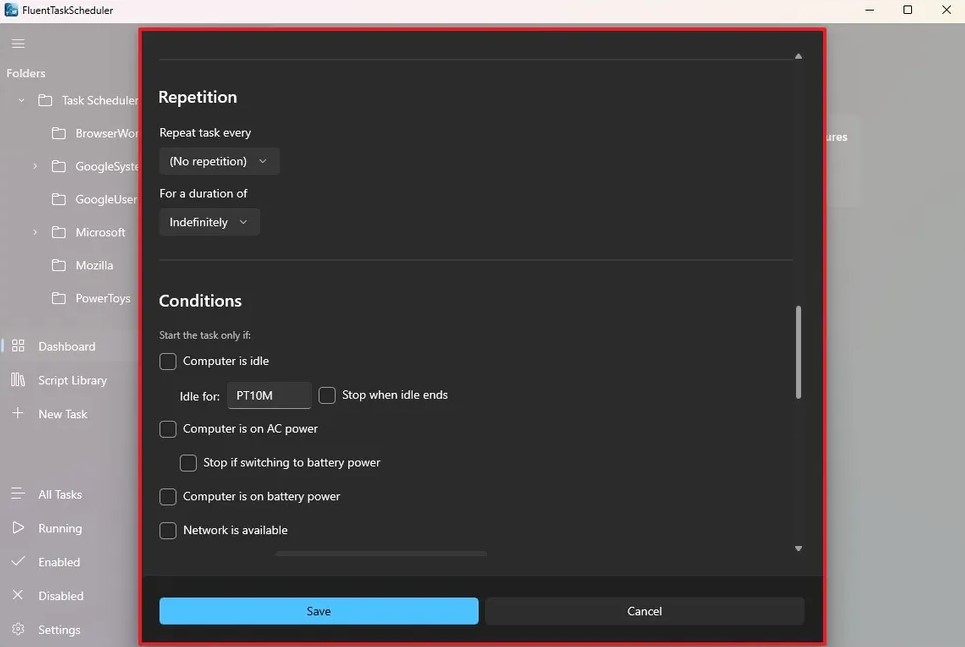
Users can configure tasks to:
- Repeat at specific intervals
- Run for a defined duration
- Restart automatically if they fail
- Execute as soon as possible after a missed trigger
- Stop after a specific period
Concurrency behavior is also configurable. You can choose whether tasks should:
- Run multiple instances in parallel
- Queue additional triggers
- Ignore new triggers
- Stop existing running tasks
These options provide the flexibility required for advanced scheduling scenarios.
Built-in PowerShell Script Library
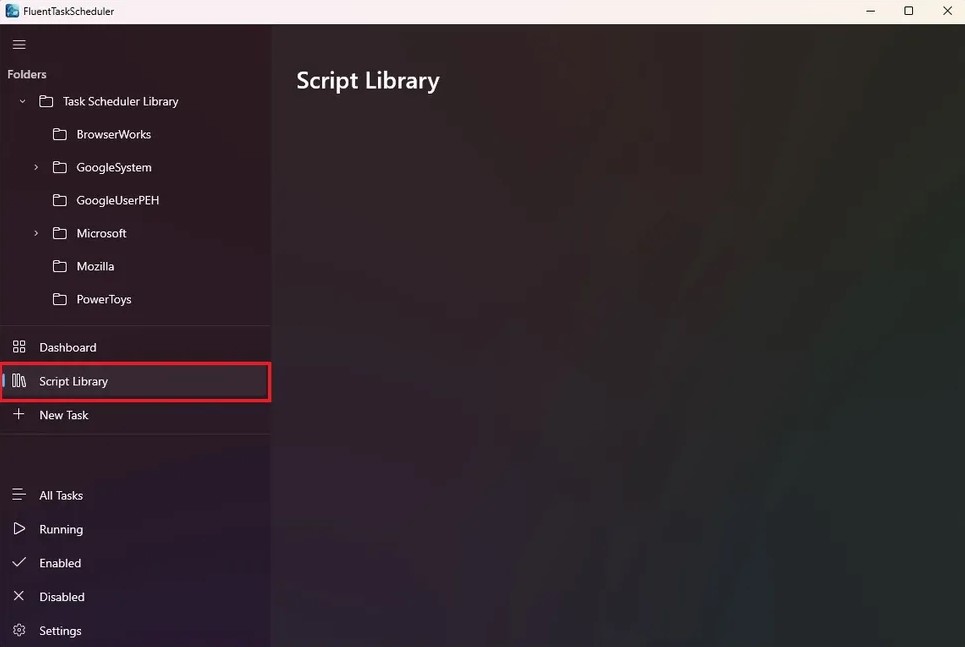
One of the most interesting additions is the integrated Script Library.
Instead of embedding PowerShell scripts inside every task, FluentTaskScheduler allows users to store scripts in a central library. Multiple tasks can then reference the same script.
This approach offers several advantages:
- Reduces duplicated code
- Simplifies script maintenance
- Separates automation logic from scheduling configuration
In theory, this feature makes the tool far more efficient for managing complex automation workflows.
However, during testing it was difficult to determine how to add new scripts to the library. The functionality may still require refinement.
Integration with Windows 11
FluentTaskScheduler integrates closely with Windows 11. The application includes several convenience features that improve usability.
These include:
- System Tray support for background operation
- Startup integration so the tool launches with Windows
- Toast notifications for successful or failed tasks
Users can also configure tasks to run with elevated privileges. Tasks may run as:
- SYSTEM
- A specific user account
Priority levels are adjustable as well, ranging from Realtime to Idle.
Command-Line Interface Support
FluentTaskScheduler is not limited to its graphical interface. The tool also includes command-line support, which enables automation and remote management.
Because the application is portable, commands can be executed directly from the folder containing the executable.
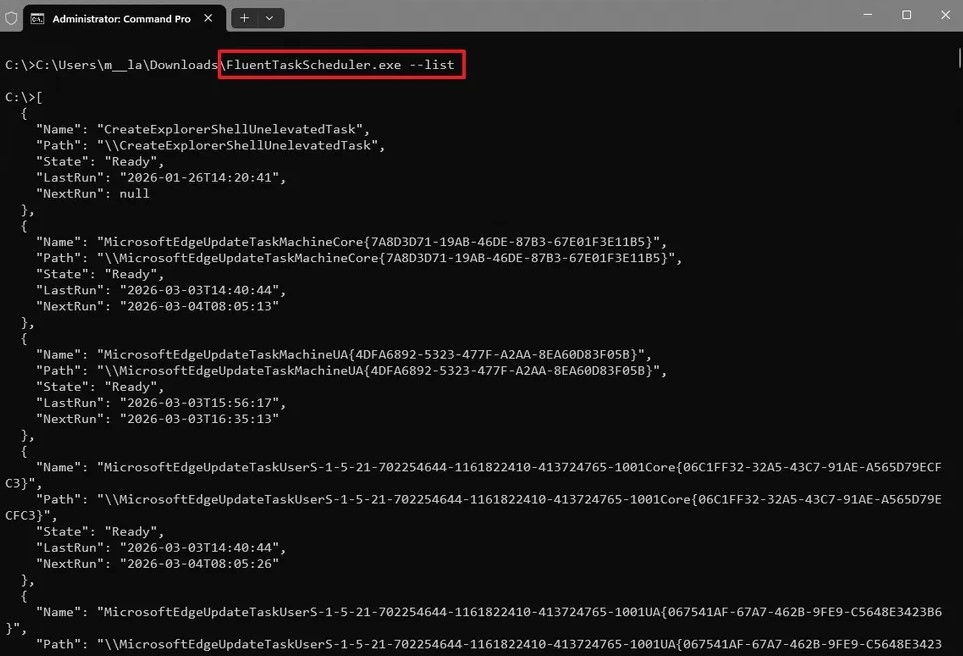
Available commands include:
FluentTaskScheduler.exe --list
Lists all tasks in JSON formatFluentTaskScheduler.exe --run "TaskName"
Runs a specific taskFluentTaskScheduler.exe --enable "TaskName"
Enables a taskFluentTaskScheduler.exe --disable "TaskName"
Disables a taskFluentTaskScheduler.exe --export-history "TaskName" --output "C:\logs\history.csv"
Exports task history to CSV
The application also supports useful keyboard shortcuts such as:
- Ctrl + N – Create a new task
- Ctrl + E – Edit the selected task
- Ctrl + R – Run the selected task
- Delete – Remove the selected task
- F5 – Refresh task list
- Esc – Close dialogs
Download and Availability
FluentTaskScheduler is available as a self-contained executable that runs without installation. Users can simply download the file and launch it with a double-click.
Once started, the application minimizes to the System Tray, allowing it to run quietly in the background.
Since the tool is developed by an independent developer and not by Microsoft, users should remember that it is a third-party application. As with any unofficial utility, it should be used with caution.
A Promising Concept That Still Needs Refinement
One of the most noticeable issues in Windows 11 is the mixture of modern and legacy interfaces. While many parts of the operating system now follow Microsoft’s Fluent Design language, older components still rely on outdated tools.
The built-in Task Scheduler is a clear example.
FluentTaskScheduler attempts to bridge this gap by providing a modern interface for the existing scheduling engine. The design looks clean and aligns well with the visual style of Windows 11.
However, the experience still feels incomplete in some areas. The Script Library workflow is unclear, and the task creation process could be more intuitive. Additionally, the lack of folder management limits organization for users with large automation setups.
Despite these shortcomings, the project shows strong potential. With further development and usability improvements, FluentTaskScheduler could become a compelling modern alternative interface for managing the Windows Task Scheduler.