Microsoft has started rolling out the March Patch Tuesday update for Windows 11, delivering several improvements that focus on performance, usability, and system reliability. Unlike some previous updates that mainly addressed security fixes, this release introduces a number of practical features designed to improve everyday use of the operating system.
The update is now available for Windows 11 versions 24H2 and 25H2 under KB5079473, and it builds upon changes that Microsoft first previewed in last month’s optional update.
Faster Performance and Improved Wake From Sleep
One of the key goals of this update is improving overall system responsiveness. Microsoft has optimized several parts of the operating system to make logging in, opening the Settings app, and navigating the Taskbar feel faster and smoother.
Another noticeable improvement is wake-from-sleep performance. PCs should now resume more quickly and reliably, even when the system is under heavy workload or running multiple background processes.
Built-In Network Speed Test Added
A new network speed test shortcut has been integrated directly into Windows 11. Users can launch it from the Wi-Fi or Cellular section in Quick Settings or by right-clicking the network icon in the system tray.
The test opens in your default browser and measures the performance of Ethernet, Wi-Fi, or cellular connections, making it easier to quickly diagnose network issues or check connection speeds without searching for third-party tools.
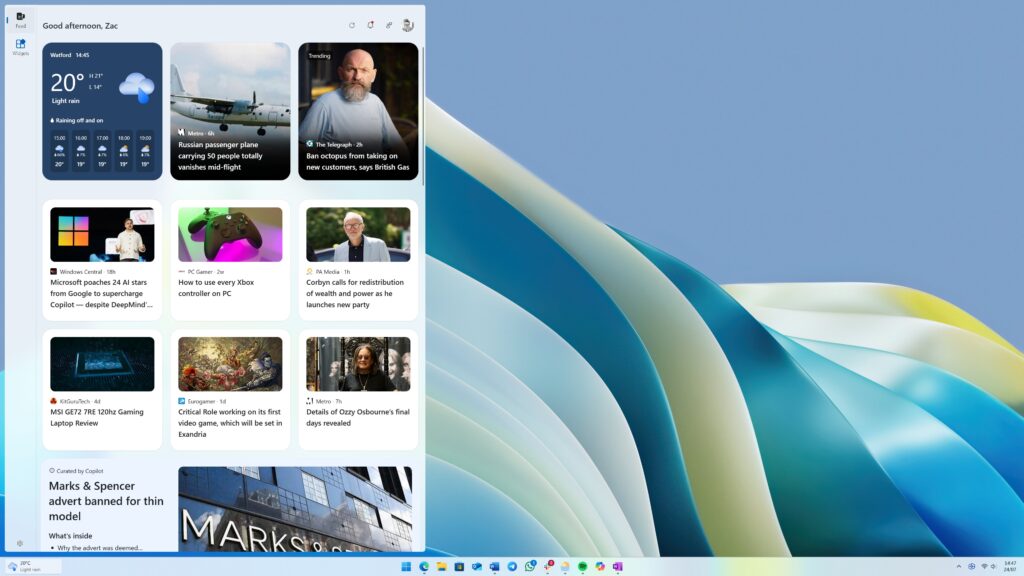
Redesigned Widgets Panel
Microsoft is also introducing an updated Widgets experience. Widgets are now displayed in a separate full-page view, making the interface cleaner and easier to manage.
This change also allows users to focus on their widgets without being distracted by the MSN news feed, which many users previously found unnecessary.
New Camera Controls in Settings
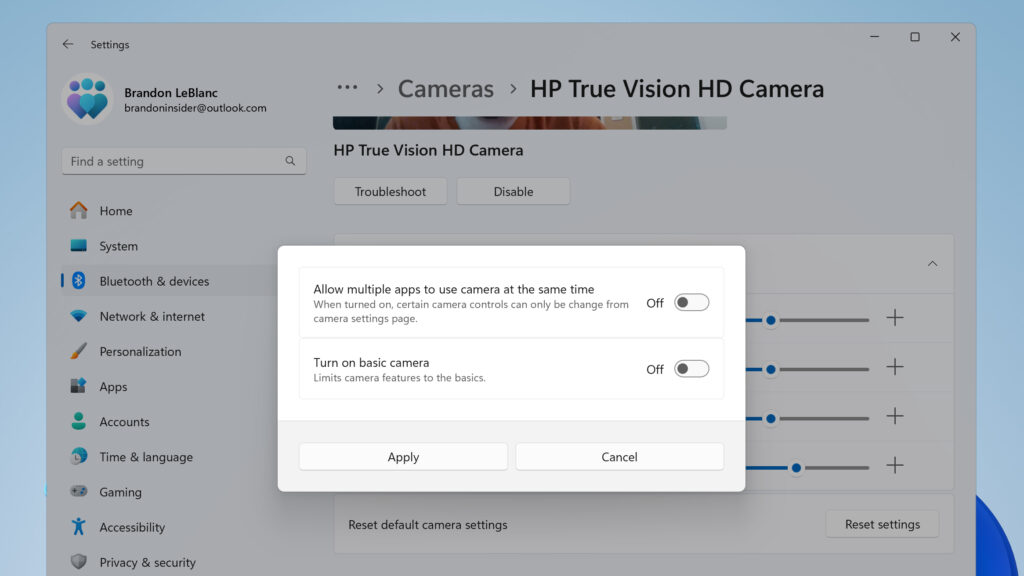
Windows 11 now provides additional control over supported cameras. Within Settings > Bluetooth & Devices > Cameras, users can adjust pan and tilt controls directly from the operating system when using compatible hardware.
These options appear under the Basic Settings section for the selected camera.
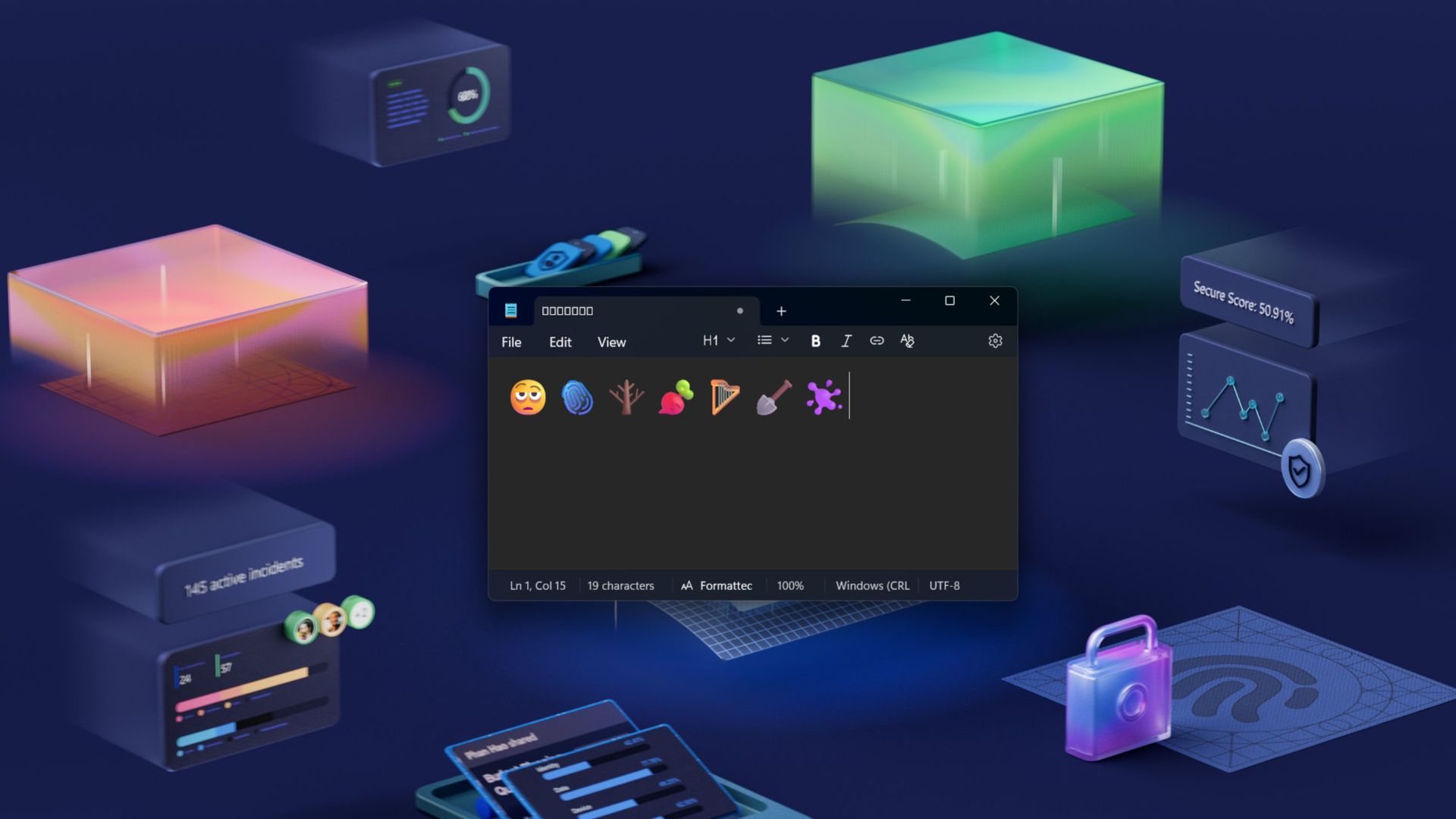
Emoji 16.0 Comes to Windows 11
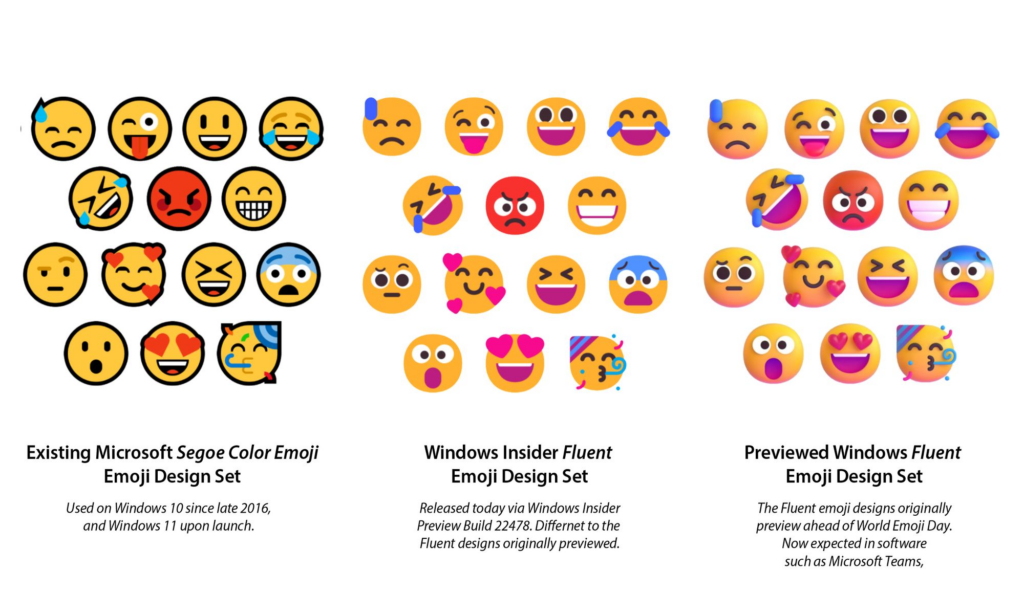
The update also introduces Emoji 16.0, bringing several new emojis across different categories. While the expansion is relatively small, each addition was selected to offer useful and widely recognizable expressions.
The new emojis are available immediately through the Windows emoji panel.
Native System Monitor (Sysmon) Integration
Security and system monitoring have also been enhanced with native Sysmon functionality now built directly into Windows.
Sysmon captures detailed system activity events that can help detect suspicious behavior or security threats. These events are logged in the Windows Event Log, allowing security tools and monitoring software to analyze the data more easily.
Taskbar Improvements
Microsoft has also refined the behavior of the Taskbar when it becomes crowded.
When the Taskbar is configured with uncombined icons, multiple windows from the same app will no longer move together into the overflow menu when space runs out. Only the windows that actually don’t fit will be placed in the overflow area, reducing wasted space.
Start Menu Account Enhancements
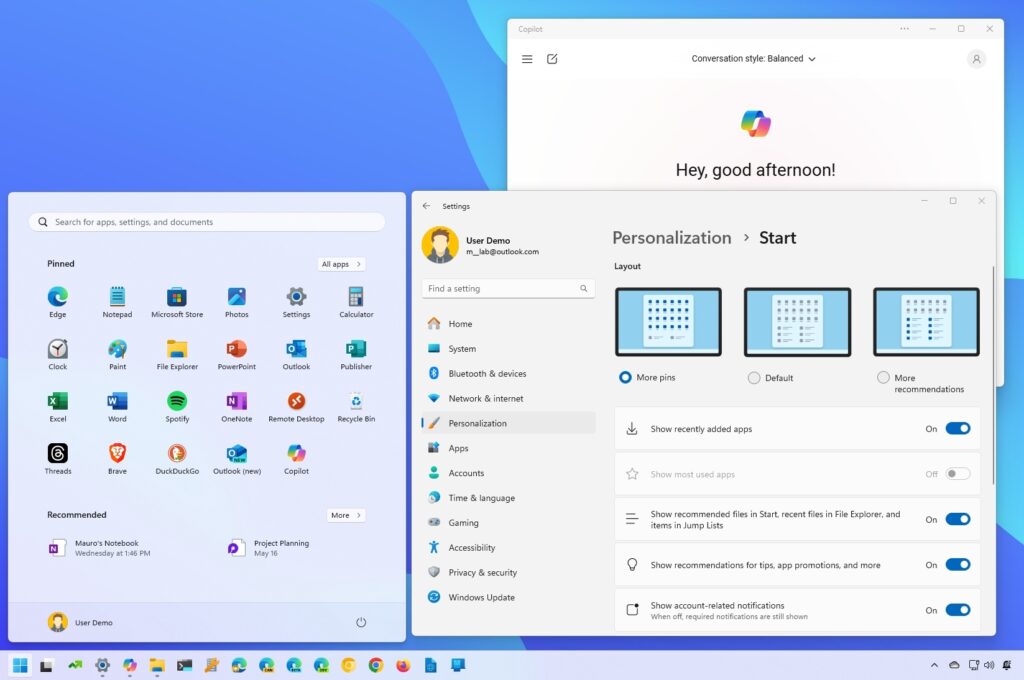
The Start menu account menu now includes a shortcut that leads directly to the Microsoft account benefits page, making it easier to review subscription benefits and account features.
Storage Settings and Search Improvements
Several smaller but noticeable upgrades have been made throughout the system:
- Storage Settings dialogs now use a more modern interface design
- Temporary file scanning performance has been improved
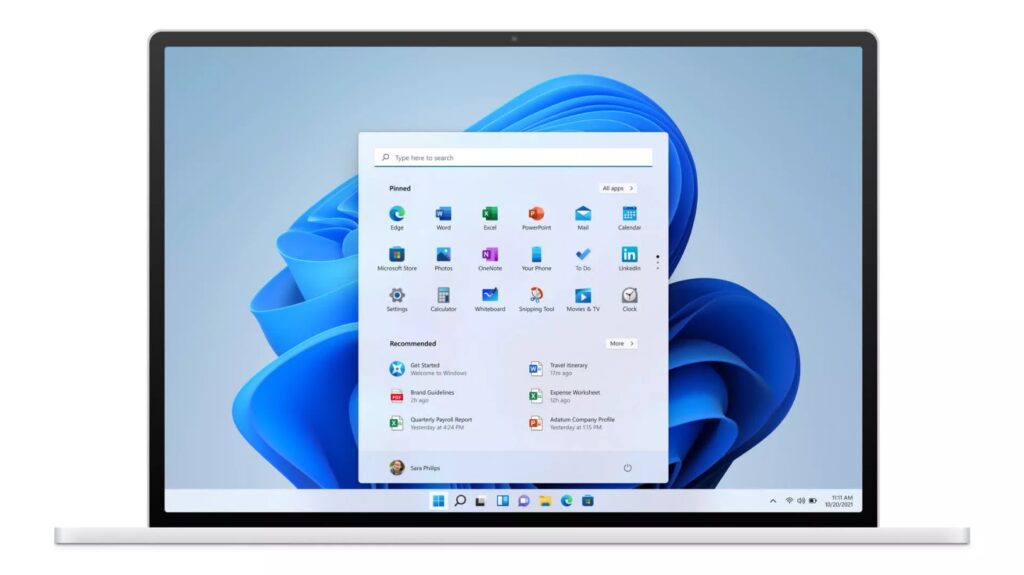
- Search results on the Taskbar now show result counts for each category
- Users can preview search results without opening them
- The Search process icon in Task Manager has been updated
File Explorer and Printing Fixes
File Explorer receives multiple reliability improvements, including:
- Opening new File Explorer windows more consistently
- Adding an “Extract All” button for non-ZIP archive folders
- Better detection of devices on the Network page
- Improved search reliability when searching across multiple drives
Microsoft has also optimized the Windows printing service, which should reduce slowdowns during large or high-volume printing tasks.
Additional System Improvements
This update also includes improvements to several core Windows features:
- Better reliability for the sign-in and lock screen
- Improved Nearby Sharing performance when transferring large files
- More reliable projecting menu when pressing Windows + P
- Faster responsiveness on the Windows Update settings page
- Visual consistency updates across Windows dialogs and UI elements
Microsoft has also expanded Secure Boot certificate deployment, allowing more devices to automatically receive updated security certificates through Windows quality updates.
Controlled Feature Rollout
As with many modern Windows updates, some features are delivered through Microsoft’s controlled feature rollout system. This means certain improvements may not appear immediately after installing the update and could become available gradually over time.