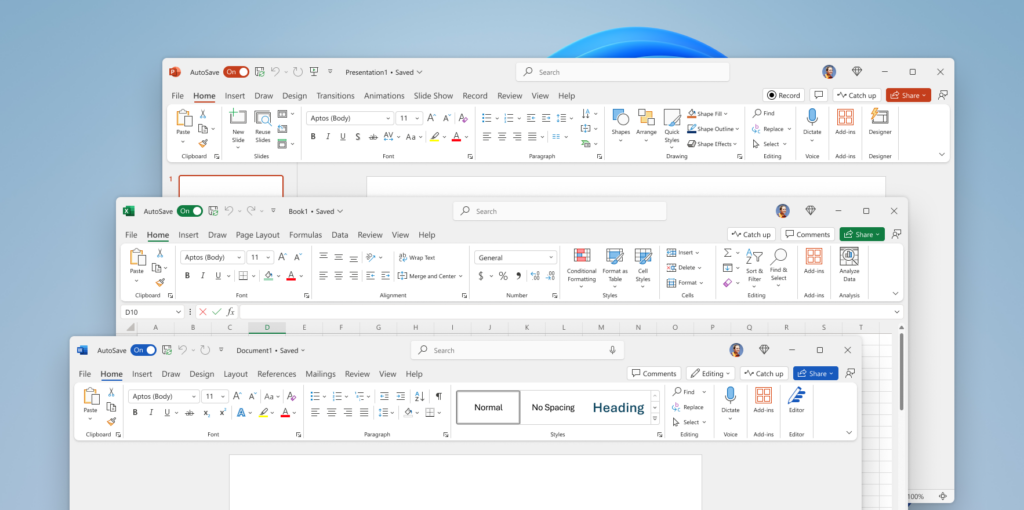
If you’re planning to buy Microsoft Office 2021, the smartest approach is choosing a trusted source that offers genuine license keys at a reasonable price. Microsoft Office remains a core productivity solution, providing powerful tools like Word, Excel, PowerPoint, and Outlook for work, education, and everyday tasks. Where you buy it matters just as much as what version you choose.
Why Microsoft Office 2021 Is Still a Smart Choice
Microsoft Office 2021 is designed for users who want full ownership without recurring subscription fees. Unlike Microsoft 365, it’s a one-time purchase that gives you permanent access to the core Office applications.
Main advantages of Office 2021:
- One-time payment with lifetime use
- Includes Word, Excel, PowerPoint, Outlook, and more
- Fully compatible with Windows 10 and Windows 11
- Stable performance with regular security updates
- Ideal for home users, students, and businesses
For anyone who doesn’t need cloud storage or monthly updates, Office 2021 delivers excellent long-term value.
Buy Microsoft Office 2021 at a Discount with NodeKeys
The official retail price for Microsoft Office 2021 Professional Plus can exceed €150, which is expensive for many users. With NodeKeys, you can purchase a genuine Office 2021 Professional Plus license at a heavily discounted price, saving a significant amount compared to buying directly from Microsoft.
NodeKeys focuses on:
- Authentic Microsoft license keys
- Instant digital delivery via email
- Secure checkout and payment methods
- Responsive customer support
This makes it a cost-effective and reliable alternative to traditional retail purchases.
The Best Way to Buy Microsoft Office 2021 Online
Purchasing Microsoft Office 2021 through NodeKeys is simple, fast, and fully digital. You avoid shipping delays, physical media, and unnecessary costs.
What you get with NodeKeys:
- A genuine Microsoft Office 2021 license key
- Immediate email delivery after purchase
- Clear installation and activation instructions
- Support if you need help during setup
It’s a smoother experience compared to boxed versions or overpriced subscription plans.
Step-by-Step: How to Buy Microsoft Office 2021 from NodeKeys
- Visit the NodeKeys website and open the Microsoft Office section
- Choose Office 2021 Professional Plus or your preferred edition
- Complete checkout using a secure payment method
- Receive your license key instantly by email
- Download Office directly from Microsoft’s official website
- Activate Office using your key and start working
From purchase to activation, the entire process takes only a few minutes.
Installing and Activating Office 2021
After receiving your product key:
- Download Microsoft Office 2021 from Microsoft’s official site
- Run the installer on your PC
- Enter your product key when prompted
- Sign in with your Microsoft account to complete activation
A detailed installation and activation guide ensures even first-time users can complete the process without issues.