

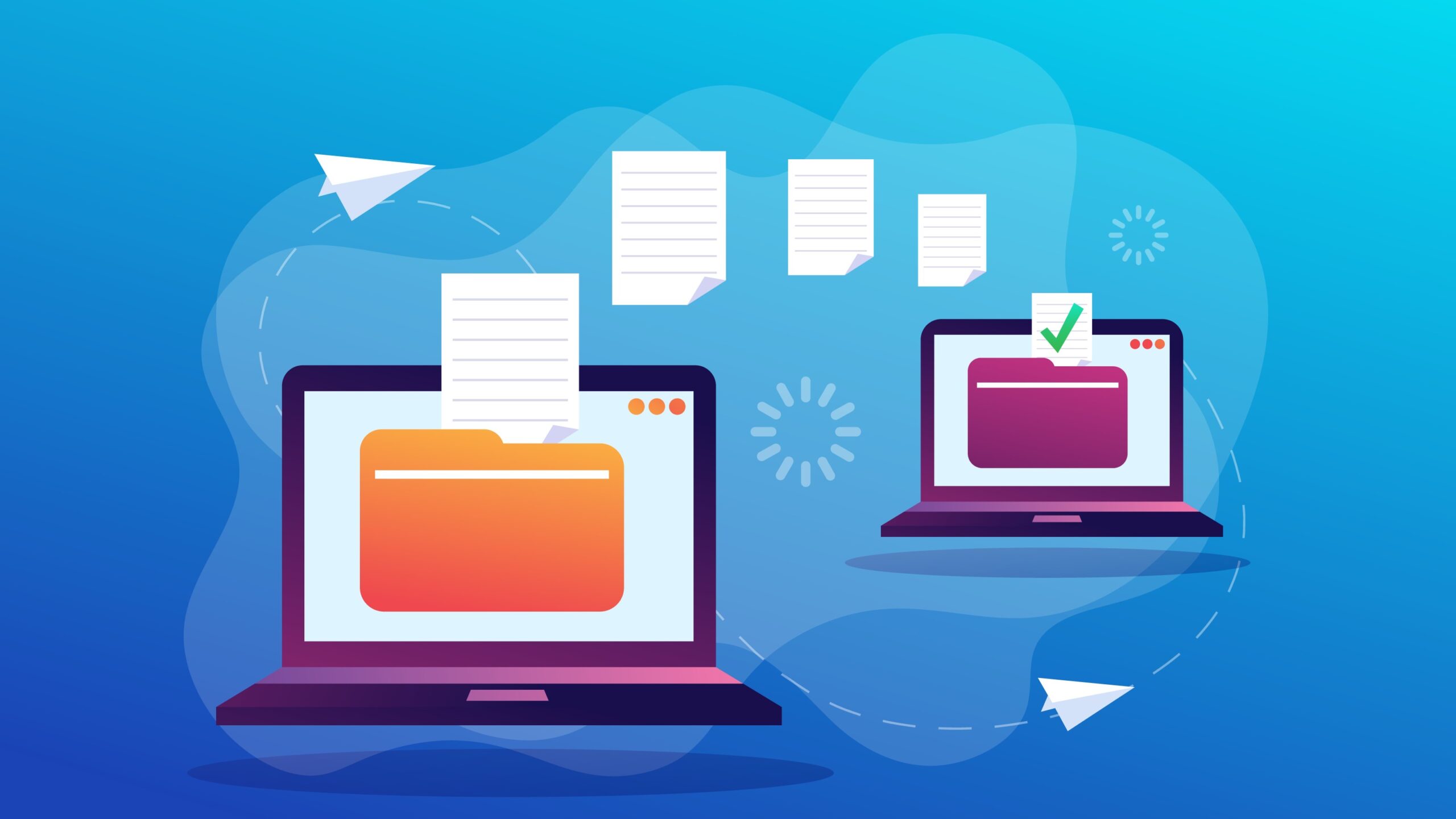
1. Why Backing Up Your PC Is Important
Data loss can happen in many ways. Your hard drive can fail, your system can get infected with malware, or you might accidentally delete important files. Without a backup, recovering that data can be difficult or even impossible.
A proper backup ensures:
- Your files are always safe
- You can recover quickly after a crash
- You avoid permanent data loss
2. Choose the Right Backup Method
There are several ways to back up your PC. Choosing the right one depends on your needs.
External Hard Drive

This is one of the easiest methods. Simply connect the drive and copy your files.
Pros:
- Fast and reliable
- No internet required
Cons:
- Must be updated manually
- Can be lost or damaged
Cloud Storage
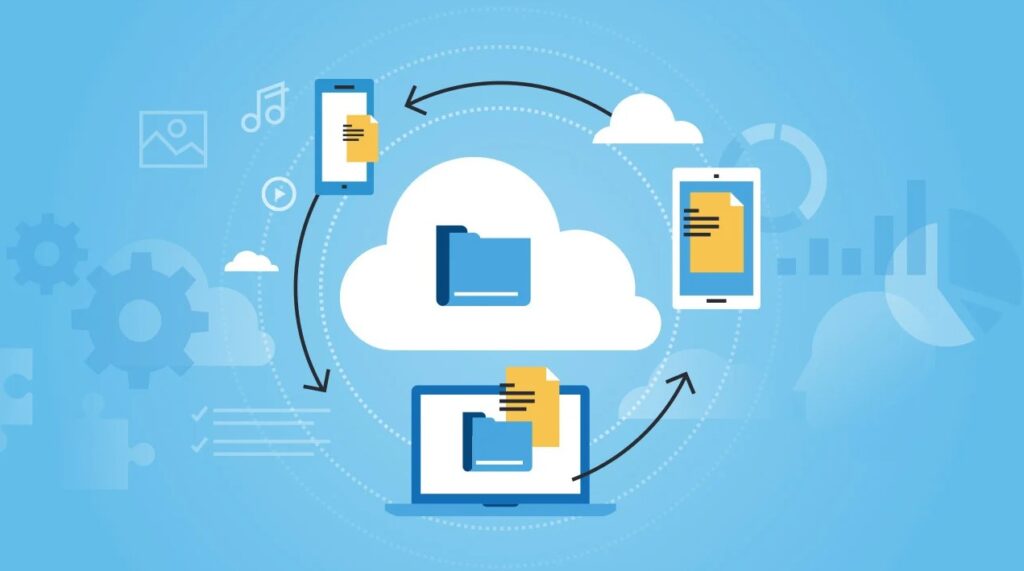
Cloud services automatically store your files online.
Pros:
- Access files from anywhere
- Automatic syncing
Cons:
- Requires internet
- Limited free storage
Built-in Windows Backup Tools
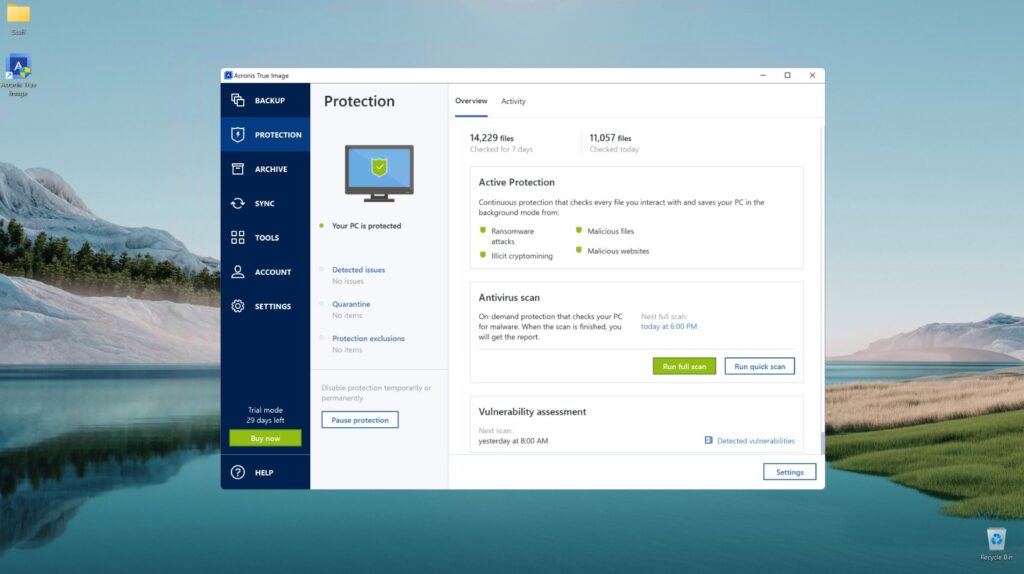
Windows offers tools like File History and Backup and Restore.
Pros:
- Automatic backups
- Easy to set up
Cons:
- Requires initial setup
- Needs external storage
3. Use the 3-2-1 Backup Rule
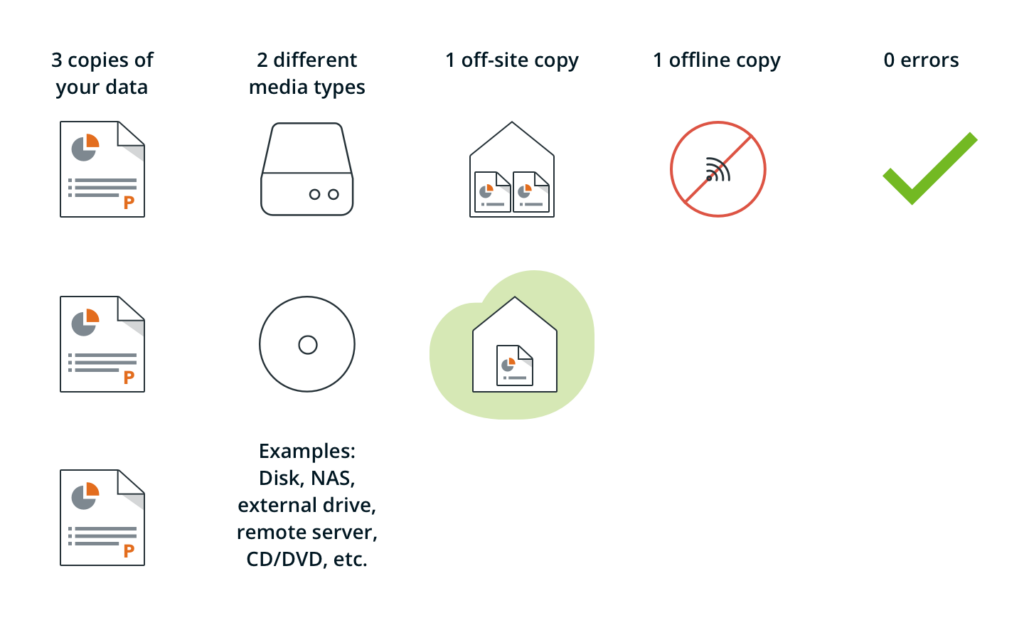
A simple strategy many professionals follow is the 3-2-1 rule:
- Keep 3 copies of your data
- Use 2 different storage types
- Store 1 copy offsite
This method provides maximum protection against data loss.
4. Set Up Automatic Backups
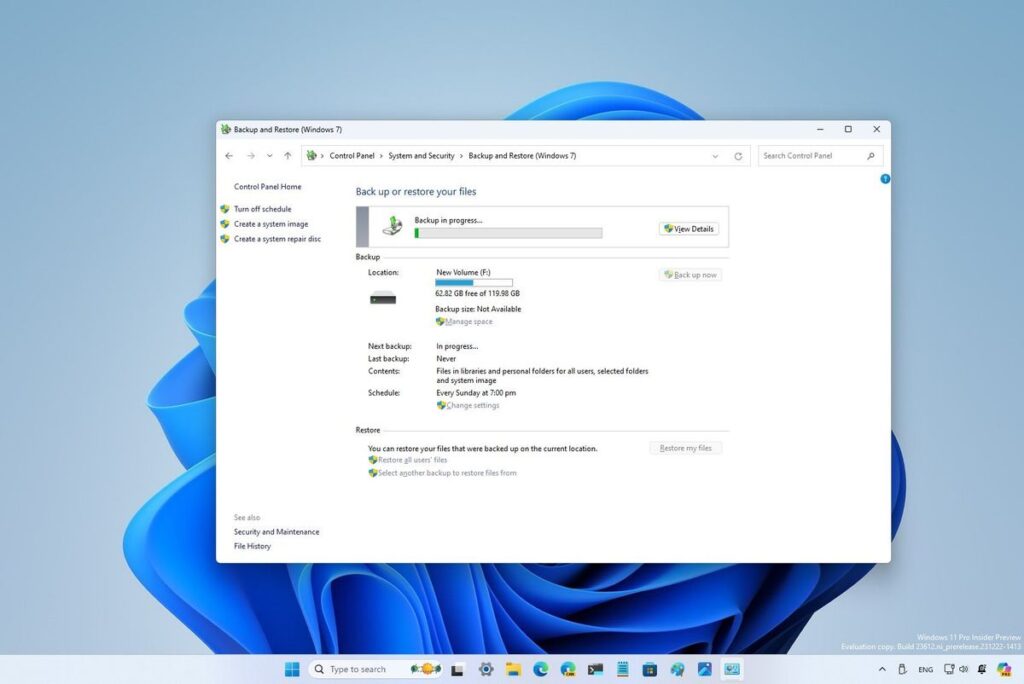
Manual backups are easy to forget. Setting up automatic backups ensures your data is always up to date.
- Enable File History on Windows
- Schedule weekly or daily backups
- Use cloud sync for real-time updates
Automation saves time and reduces risk.
5. Test Your Backup Files
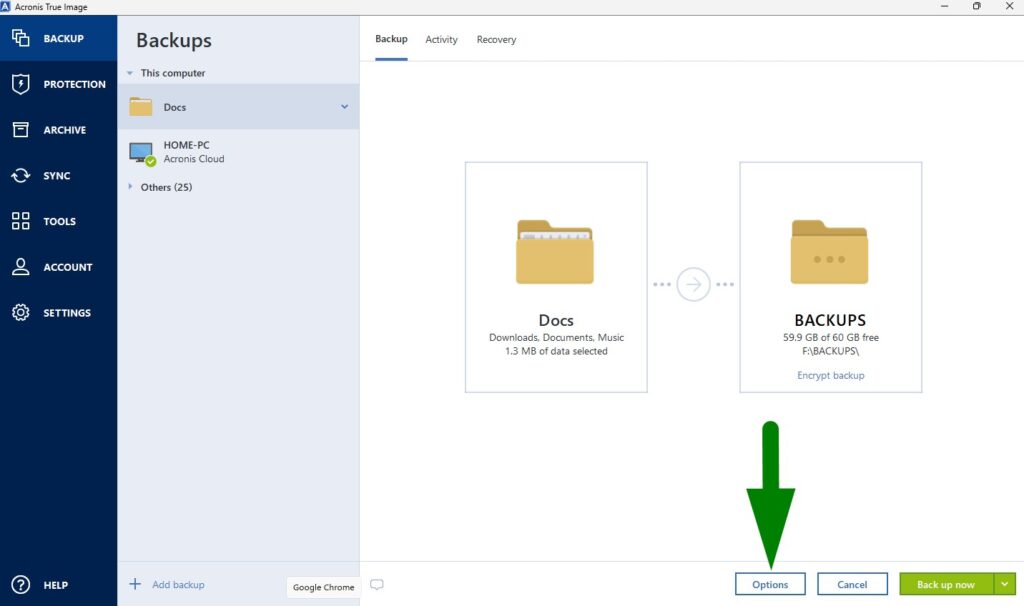
Creating a backup is not enough. You should always test it.
- Restore a sample file
- Check if the file opens correctly
- Verify recent files are included
This step ensures your backup actually works when you need it.
6. Keep Your Backup Secure
Your backup should be protected just like your main data.
- Use strong passwords for cloud storage
- Keep external drives in a safe place
- Avoid connecting backup drives unnecessarily
Security prevents unauthorized access and data theft.
7. Make Backups a Routine
Consistency is key. The more often you back up your files, the safer your data will be.
- Set reminders
- Use automatic tools
- Update backups regularly
Once it becomes a habit, you will not have to worry about losing important files.







