

If you’ve opened a document in Microsoft Word and noticed strange symbols like ¶ appearing at the end of each line, don’t worry. These are called paragraph marks or formatting symbols, and they are completely normal. They help show where paragraphs, spaces, and line breaks are used. However, for everyday writing and clean documents, most users prefer to turn them off.
In this guide, you’ll learn exactly how to turn off paragraph symbols in Word quickly and easily.
1. What Are Paragraph Symbols in Word?
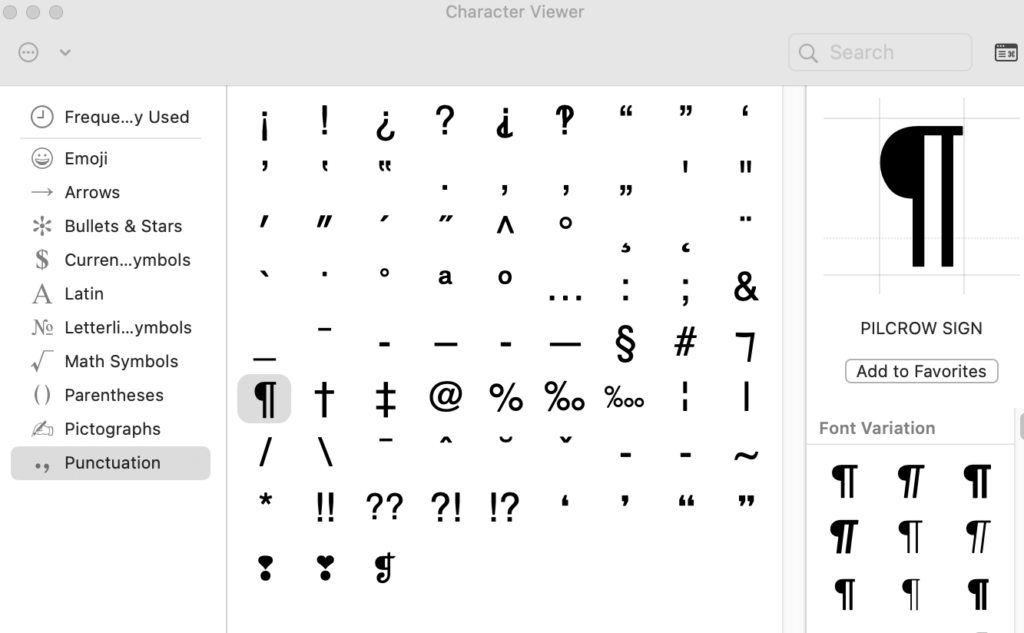
Paragraph symbols, also known as pilcrow marks (¶), are part of Word’s formatting tools. They show hidden structure in your document, including:
- Paragraph breaks
- Spaces and tabs
- Line breaks
- Hidden formatting
These marks are useful for editing, but they are not meant to appear in final documents.
2. Quick Method to Turn Off Paragraph Symbols
The fastest way to remove paragraph symbols in Microsoft Word is by using the Show/Hide button.
Follow these steps:
- Open your Word document
- Go to the Home tab
- Look for the ¶ (Show/Hide) icon in the toolbar
- Click it once
This will instantly hide all paragraph symbols and formatting marks from your document.
3. Turn Off Paragraph Marks from Settings
If the symbols keep appearing, they may be enabled in Word settings.
Here’s how to disable them permanently:
- Click File
- Go to Options
- Select Display
- Under “Always show these formatting marks on the screen”
- Uncheck Paragraph marks
- Click OK
This ensures that paragraph symbols stay hidden unless you manually enable them again.
4. Why Paragraph Symbols Keep Appearing
Some users notice that paragraph marks come back after reopening Word. This usually happens because:
- The Show/Hide option is still enabled
- Formatting marks are turned on in settings
- A template or document default includes them
Disabling them from both the toolbar and settings solves this issue.
5. When You Should Keep Them On
While most users prefer a clean document, paragraph symbols can be useful in certain situations:
- Fixing formatting problems
- Aligning text and spacing
- Editing complex documents
If your document looks messy or spacing seems off, turning them on temporarily can help identify the problem.







